Use Cases
Virtual Try-On for Marketplaces
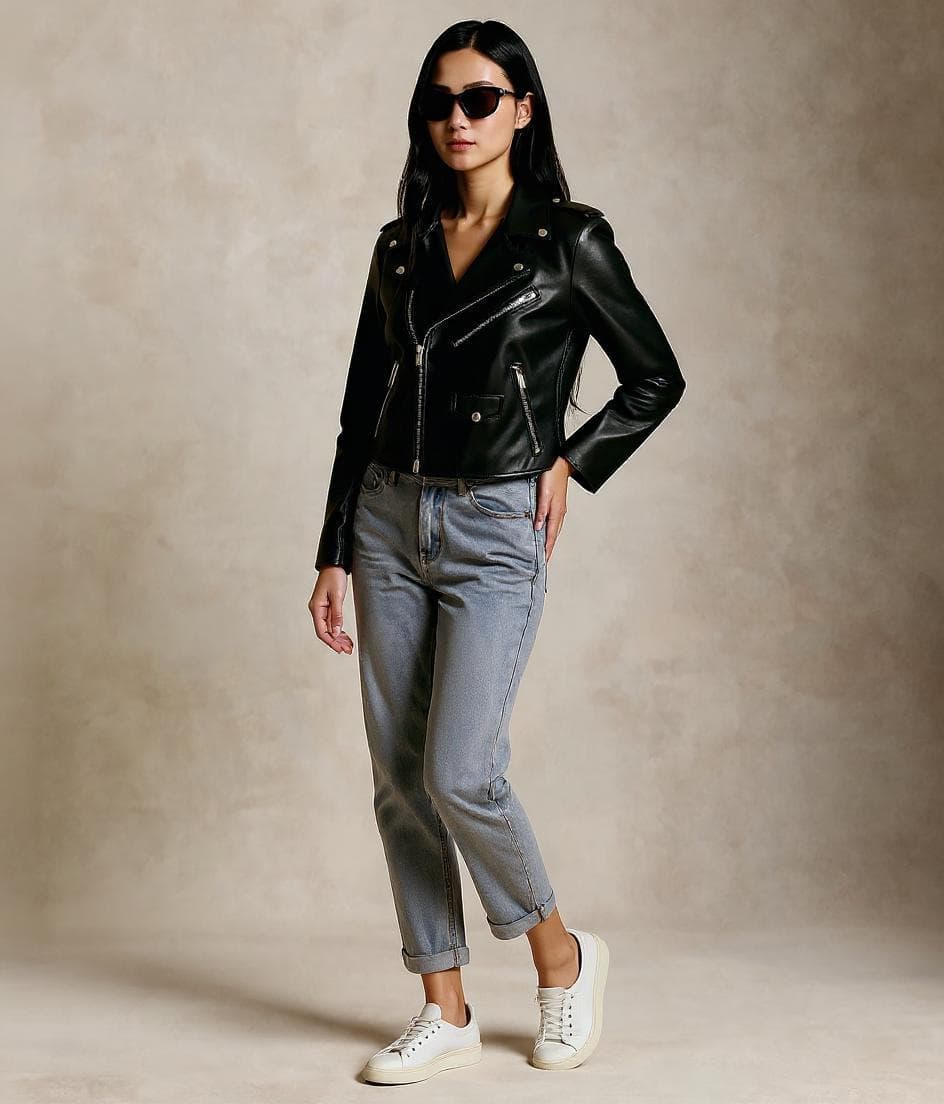
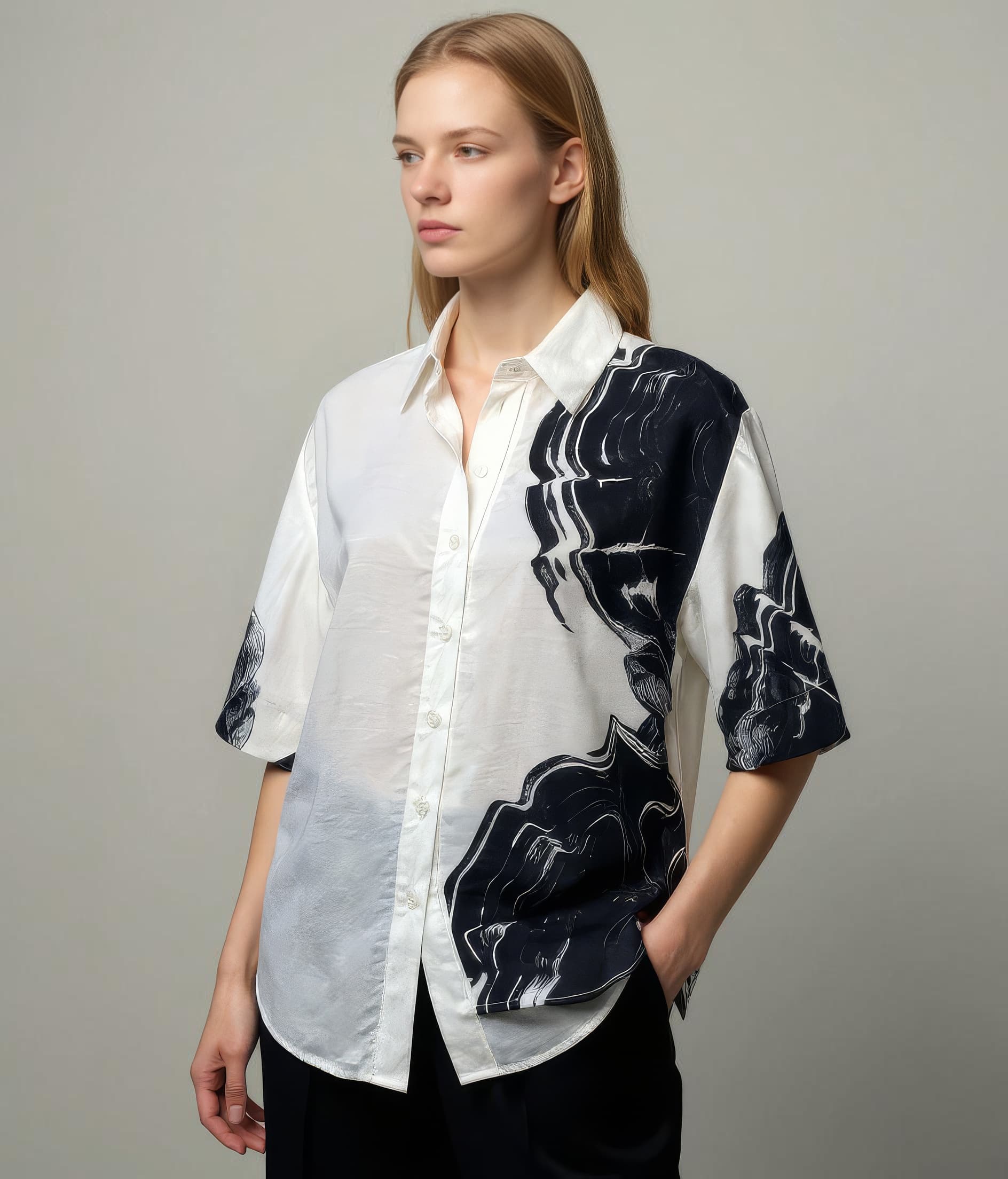
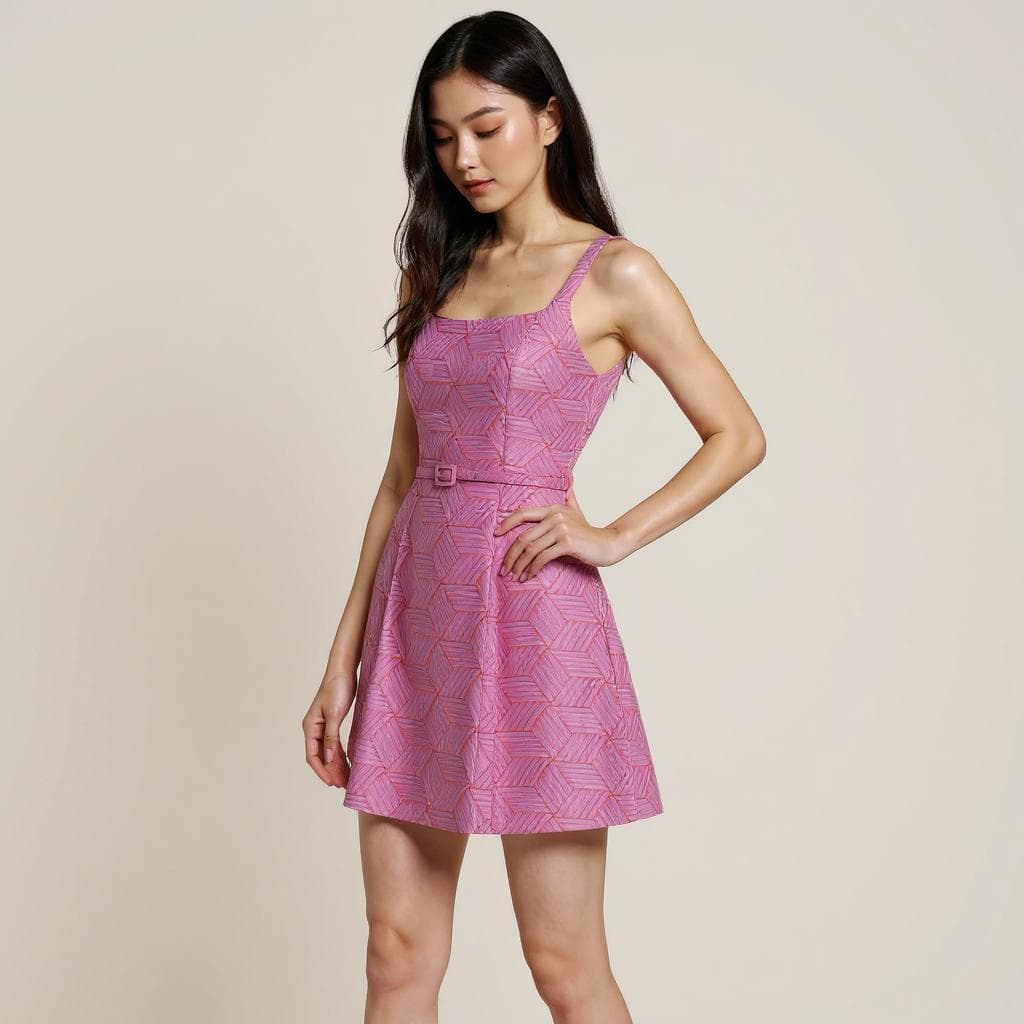
Marketplace sellers and operators use Leggoro to create more compelling product visuals from basic source photography. The goal is not to make listings overly styled. It is to make the item easier to understand at a glance in competitive feeds and crowded category pages.
Visual Examples
How this workflow can show up across the image pipeline.
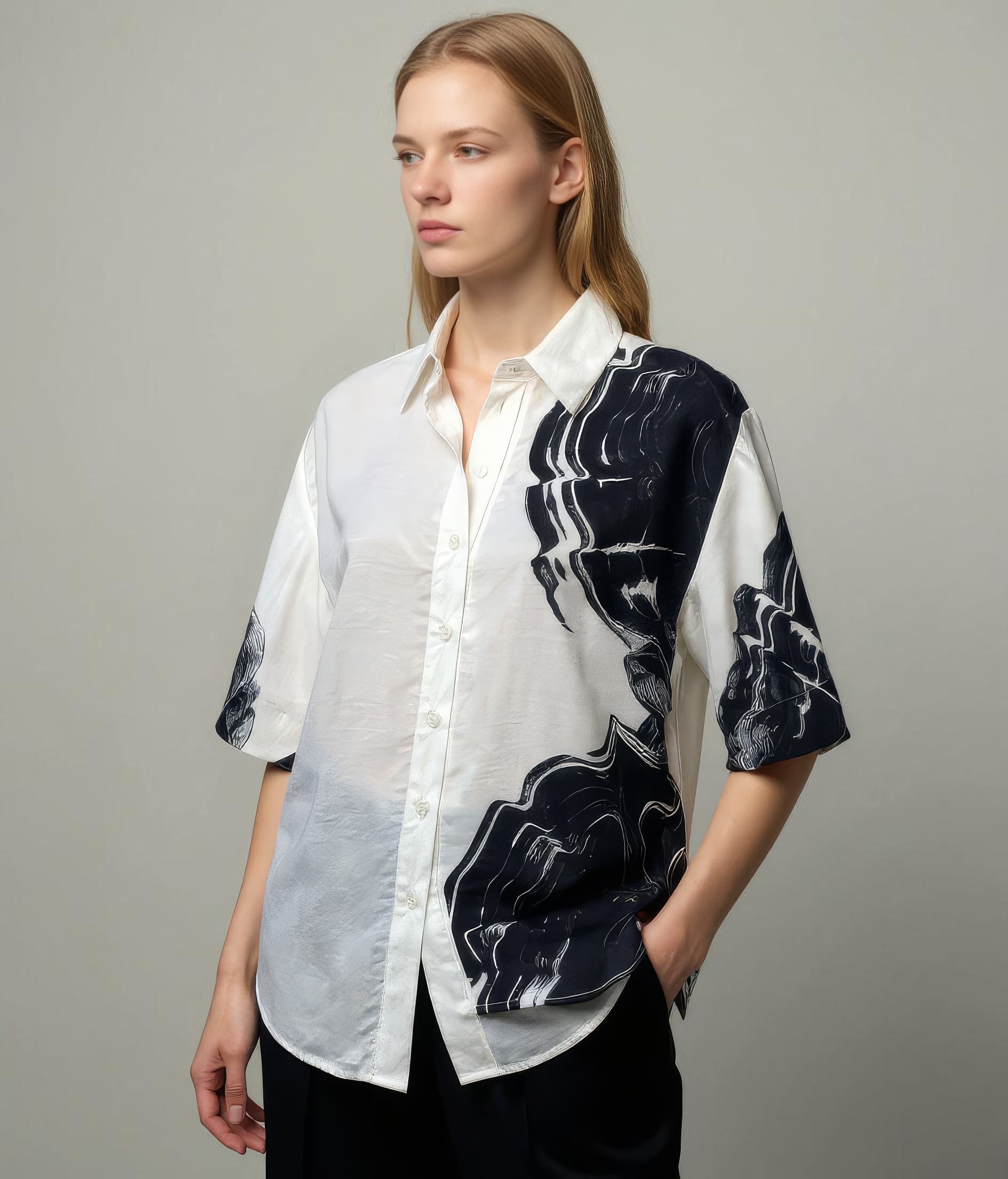
These examples are meant to ground the use case in the kind of imagery teams actually need to publish, review, and reuse across commerce channels.
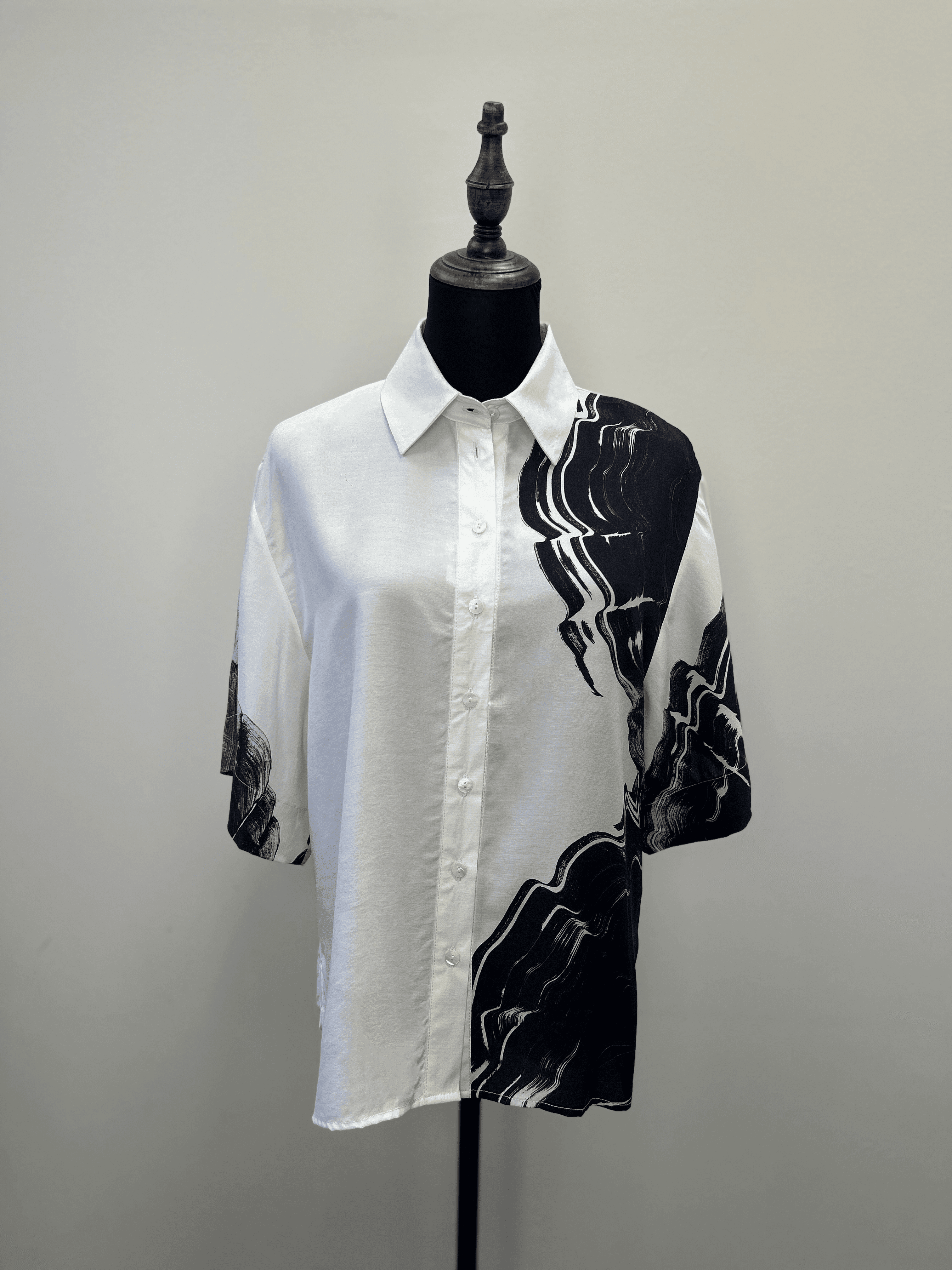
Practical source imagery
Marketplace operators often begin with plain supplier or catalog photos that need to work harder in crowded listing grids.
Stronger first-glance product read
A better fit for Shopee, Lazada, and similar environments where visual clarity needs to land immediately.
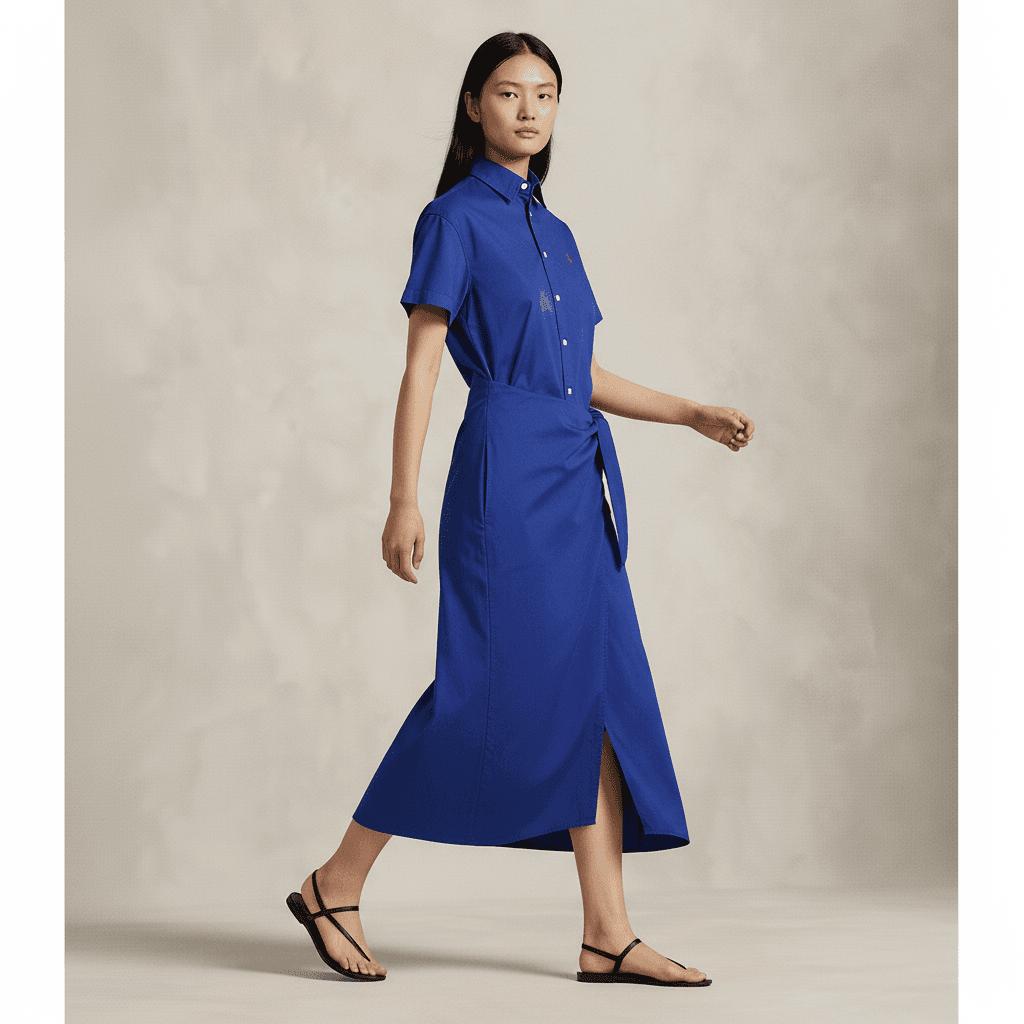
More versatile listing coverage
Helpful when the same asset set needs to stretch across thumbnail, gallery, and promo slots without feeling mismatched.
Overview
Why marketplace imagery needs a different approach
Marketplace listings compete side by side in environments where visual attention is scarce and product differentiation is difficult. Sellers often have only a moment to communicate what the item is, how it looks on-body, and why it deserves a click. Flat product photography can be accurate, but it may not always be persuasive enough in those crowded environments.
A virtual try-on workflow for marketplaces works best when it helps listings read faster, not when it turns them into something unrealistic. The output needs to stay commercially clear, reflect the actual product, and remain usable across platforms that prioritize consistency and speed.
Overview
Where Leggoro fits for marketplace teams
Leggoro helps marketplace sellers upgrade basic inputs into stronger on-model visuals that still feel grounded in the original product. That can be useful for first-image improvements, secondary gallery images, or broader listing optimization across multiple categories and storefronts.
Because marketplace operations often involve many products, frequent refresh cycles, and tighter production economics, the value is not only image quality. It is the ability to scale presentable visuals without rebuilding the content operation around custom shoots for every SKU.
Operational Needs
What teams need this workflow to get right.
Stand out in crowded grids
Marketplace listings need clear visual context because products are compared quickly, often in dense feeds or search results.
Work from practical source assets
Many marketplace teams only have supplier images, simple packshots, or mannequin photography to work with at scale.
Keep output commercially believable
The image should help a listing perform without drifting so far from the original product that it creates buyer confusion.
Why leggoro
Why teams use Leggoro for this specific use case.
Stronger first-glance presentation
Improve how apparel listings read in thumbnail-heavy marketplace interfaces where visual clarity matters immediately.
More scalable catalog cleanup
Turn inconsistent product-photo inputs into a more uniform on-model presentation across broad assortments.
Better reuse across storefronts
Generate assets that can support both the marketplace listing and adjacent channels like social, ads, or owned ecommerce pages.
Workflow
A practical rollout path for this workflow.
Collect the cleanest available source image
Use the supplier, flat-lay, or mannequin photo that best represents the product before enhancement or refinement.
Generate a marketplace-ready on-model version
Create an output that adds context while still preserving recognizable product shape, color, and details.
Deploy across listings and store refreshes
Use the result for listing galleries, promotional refreshes, or to standardize how products appear across marketplace storefronts.
Common Scenarios
Where this workflow tends to show up most clearly.
- Improving marketplace listing thumbnails for fashion categories.
- Refreshing supplier-image-heavy assortments with more usable model context.
- Standardizing visual quality across a broad merchant catalog.
- Preparing stronger fashion visuals for regional marketplace campaigns.
FAQ
Frequently asked questions about this workflow.
Is this relevant for Shopee and Lazada sellers?
Yes. The workflow is relevant anywhere listings compete in dense grids and sellers need clearer, more attractive product presentation from limited source imagery.
Does marketplace imagery need to be less styled than brand imagery?
Usually yes. Marketplace visuals often work best when they are clean, informative, and commercially direct rather than heavily editorial.
Can it help when source images come from suppliers?
That is one of the most practical use cases. Marketplace teams often work from uneven supplier inputs and need a more consistent way to present products on-body.
Why not just keep using flat product photos?
Flat product photos can be useful, but on-model context often helps listings communicate fit and styling faster in high-competition environments.
Related Use Cases