Use Cases
Flat Lay to On-Model
Flat lay to on-model is one of the clearest workflow use cases for Leggoro. Teams already have the garment shot they trust, but they need a more useful presentation for conversion, merchandising, or campaign planning.
Visual Examples
How this workflow can show up across the image pipeline.
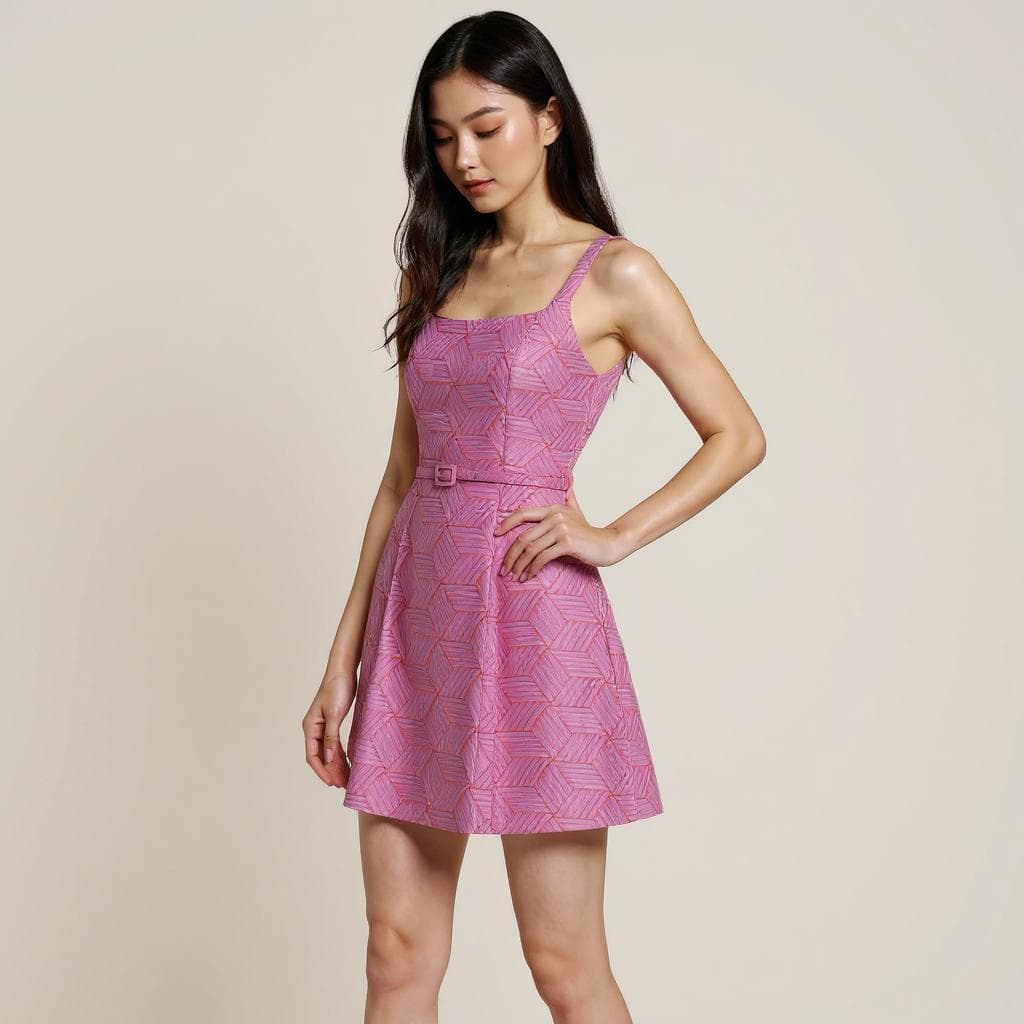
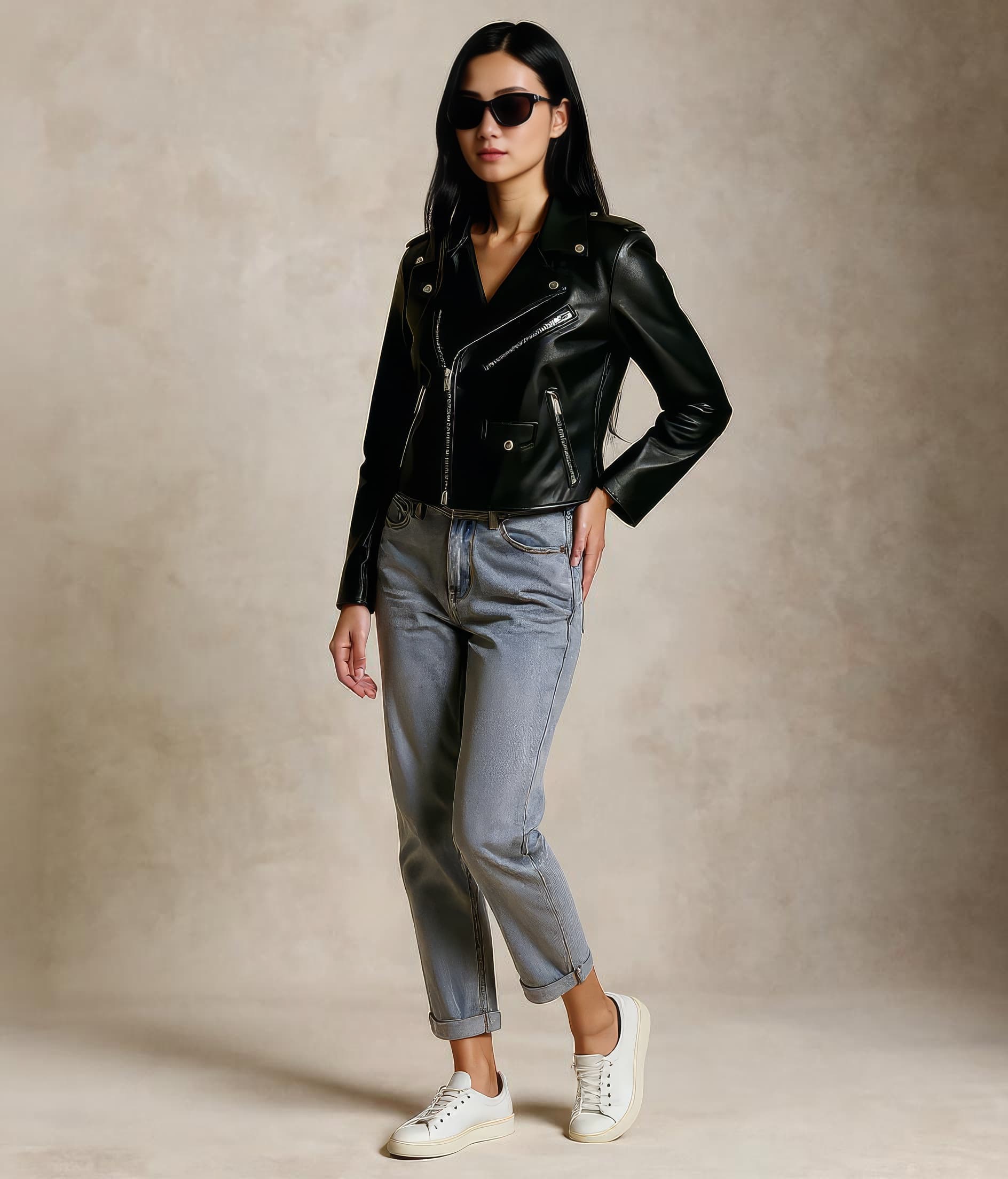
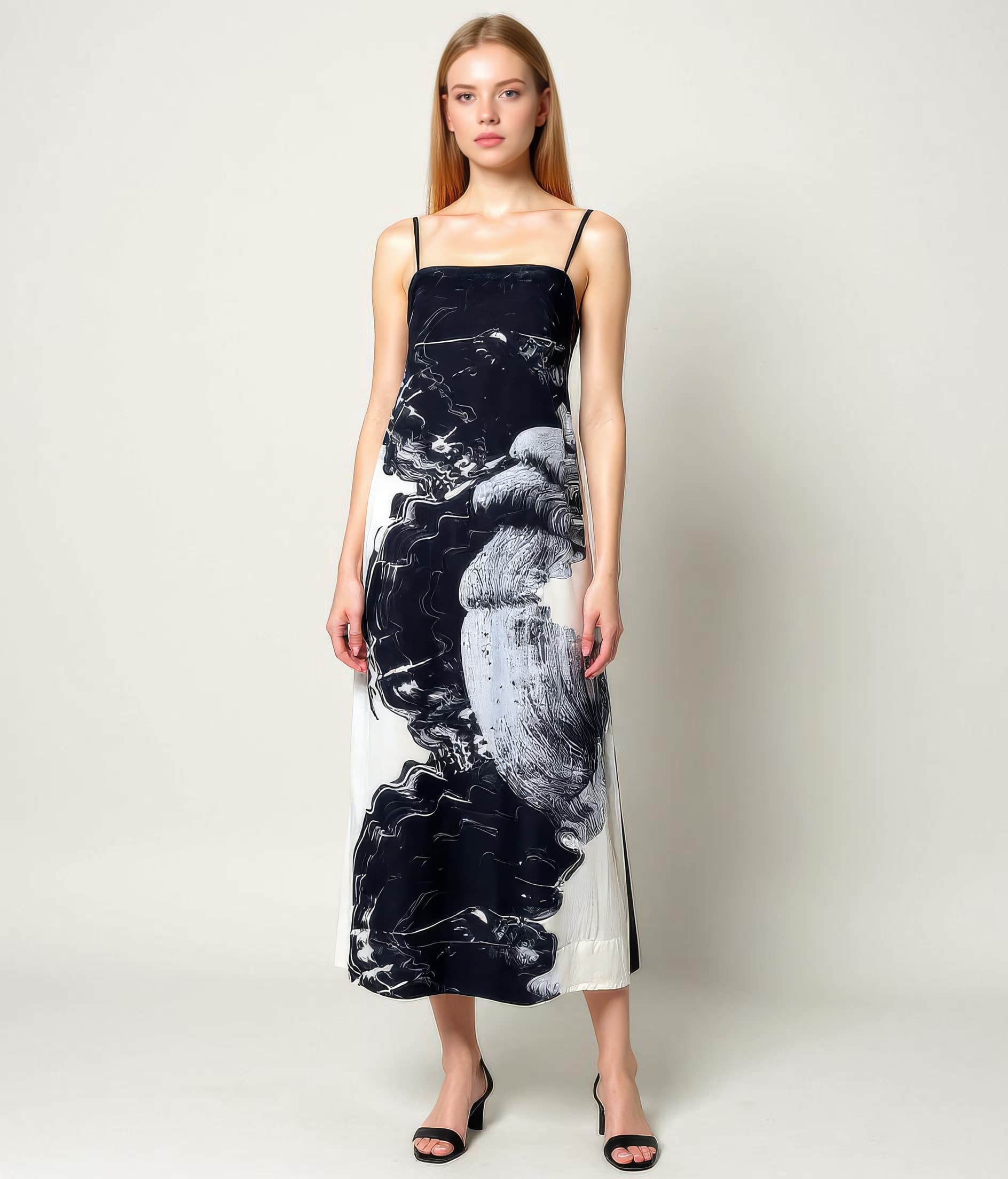
These examples are meant to ground the use case in the kind of imagery teams actually need to publish, review, and reuse across commerce channels.
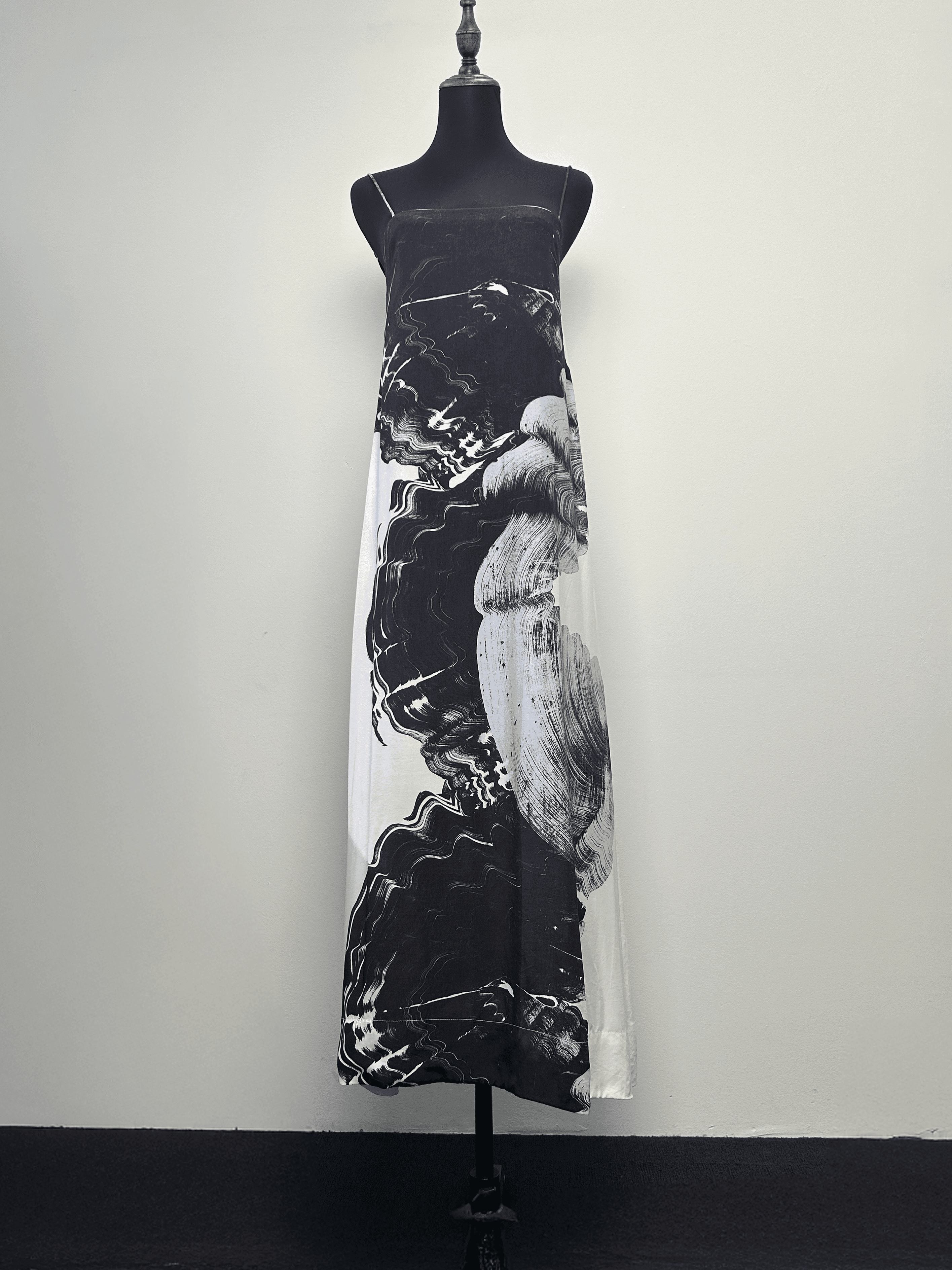
A source image already trusted by merchandising
The workflow is strongest when teams already have a clean flat-lay asset and want to get more commercial value from it.
Context without starting over
Transforms a practical source asset into something more useful for conversion, launch support, and broader product storytelling.
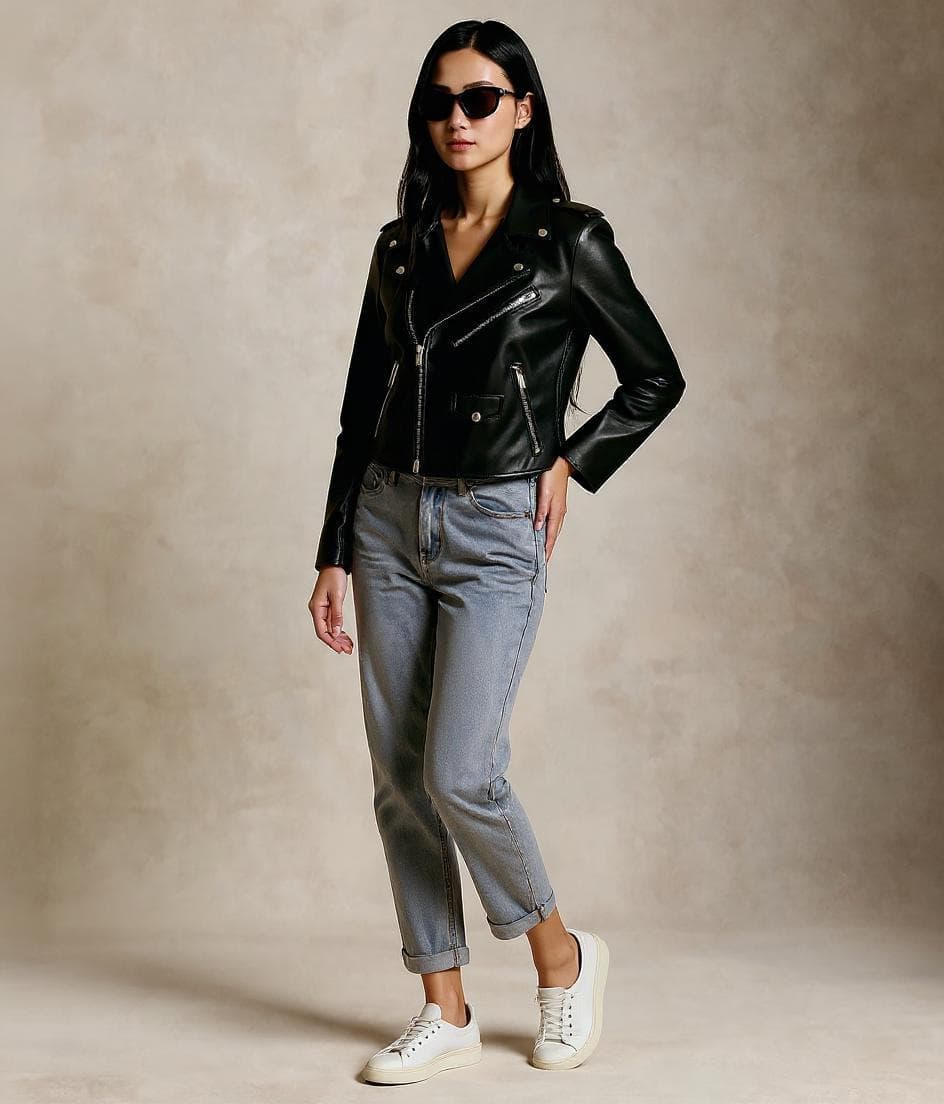
A repeatable pattern for broader assortments
Shows how the same workflow can extend beyond one hero product into a repeatable system for more of the catalog.
Overview
Why flat-lay to on-model is such a common request
Many apparel teams already invest in flat-lay photography because it is fast, practical, and easy to standardize. The limitation is that flat lays do not always communicate how the product looks when worn. That creates a familiar gap between production convenience and shopper context.
A flat-lay-to-on-model workflow becomes valuable when teams want to preserve the source asset they already trust, but present it in a way that is more useful for merchandising, conversion, and content planning. It is not about replacing the original flat lay. It is about extending what that asset can do.
Overview
How Leggoro supports this transformation
Leggoro turns a flat-lay product image into an on-model output that keeps the item recognizable while giving the garment more visual context. That is useful for ecommerce pages, campaign support, launch prep, and any workflow where teams need more than a laid-out garment image can communicate on its own.
Because the source is usually already approved for product truth, the workflow can fit neatly into existing production systems rather than requiring a separate image-capture process first.
Operational Needs
What teams need this workflow to get right.
Flat lays are clear but limited
They are operationally efficient, but they do not always help customers imagine fit, shape, or styling quickly enough.
Teams want to reuse approved source assets
If the flat lay already represents the product accurately, there is real value in turning that exact asset into something more commercially useful.
More context should not mean less accuracy
The workflow only works when the output still feels faithful to the original garment and not like a different product entirely.
Why leggoro
Why teams use Leggoro for this specific use case.
More value from existing product photography
Reuse the flat-lay images you already produce rather than treating them as visually limited dead ends.
Stronger shopper context
Give products a more intuitive on-body presentation for channels where model context improves understanding.
Lower friction for merchandising teams
Create an additional visual layer for assortments that already depend heavily on flat-lay workflows.
Workflow
A practical rollout path for this workflow.
Upload the approved flat-lay image
Use the product photo already captured for merchandising so the workflow begins from a trusted, product-faithful input.
Generate the on-model counterpart
Create a model-based version that adds context without breaking away from the original flat-lay details.
Use both assets where they each work best
Keep the flat lay for technical product clarity and add the on-model output where contextual presentation improves performance.
Common Scenarios
Where this workflow tends to show up most clearly.
- Turning basic flat lays into stronger PDP support imagery.
- Adding on-model context to products not prioritized for shoots.
- Supporting marketplaces or launches with more useful product visuals.
- Creating more flexible image sets from the same base asset.
FAQ
Frequently asked questions about this workflow.
Why not just keep the flat lay as-is?
Flat lays still have value, but they do not always communicate on-body context well enough. An on-model counterpart gives teams another usable asset from the same source.
Is this mostly for ecommerce teams?
Ecommerce is a strong use case, but the workflow also helps with launches, marketing support, marketplaces, and broader product-content operations.
Does the flat lay still matter after generation?
Yes. Many teams keep both. The flat lay remains useful for technical clarity while the on-model image improves contextual presentation.
What makes a flat lay a strong input?
Clear product separation, accurate color, readable shape, and a photo that already represents the garment reliably before generation starts.
Related Use Cases