Use Cases
Virtual Try-On for Kidswear
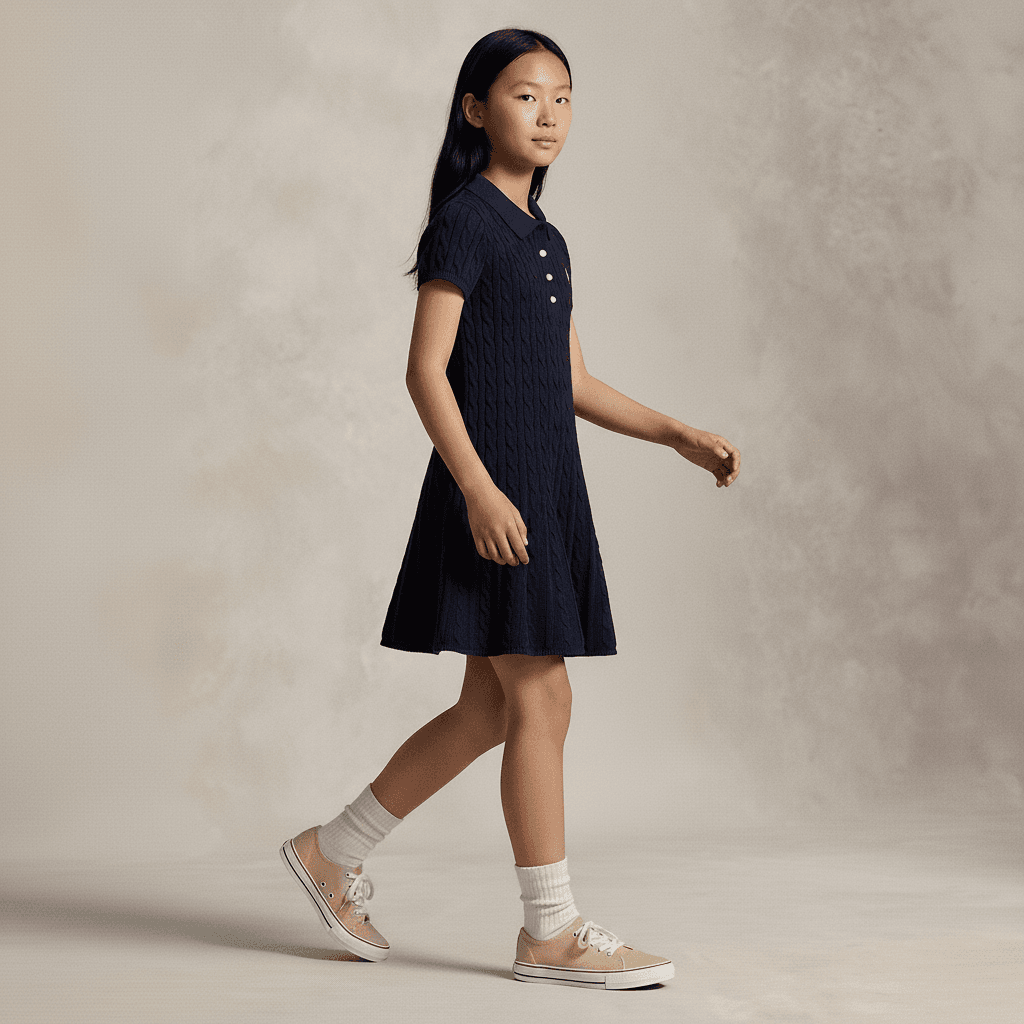
Kidswear teams use Leggoro because children’s on-model photography is operationally demanding and many tools ignore the category entirely. The workflow is built to help teams create more usable kidswear imagery while staying grounded in the product and the needs of the assortment.
Visual Examples
How this workflow can show up across the image pipeline.
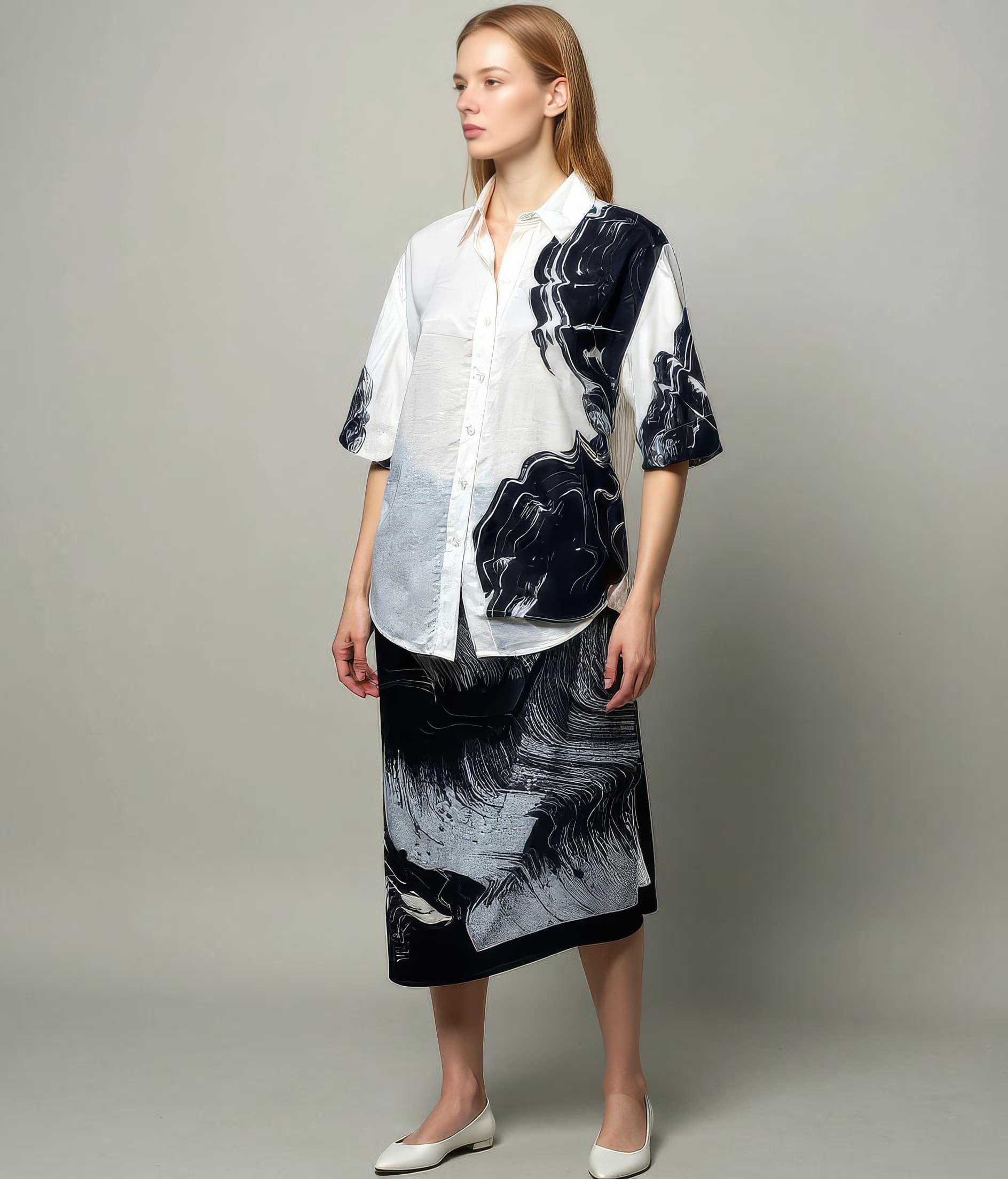
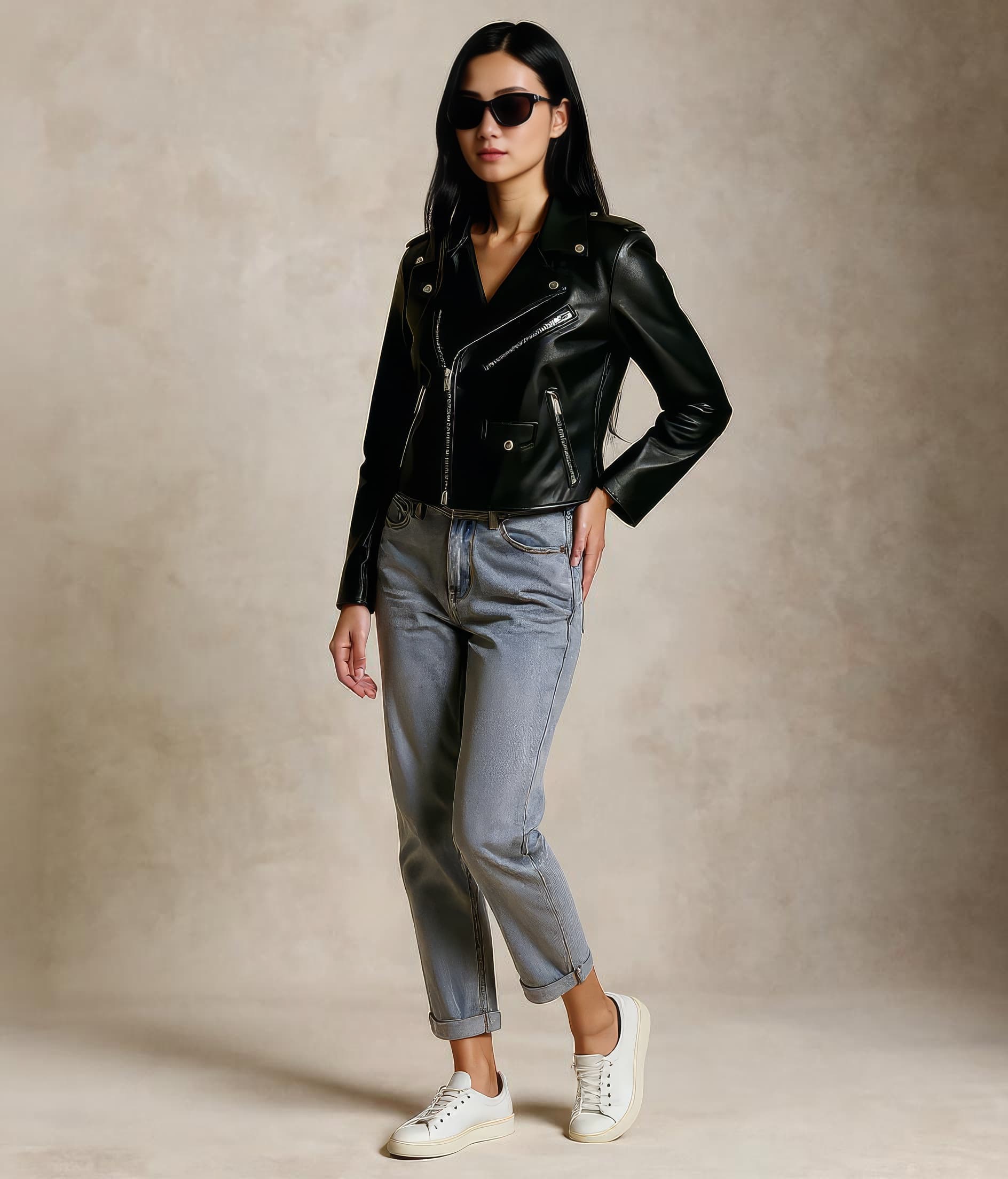
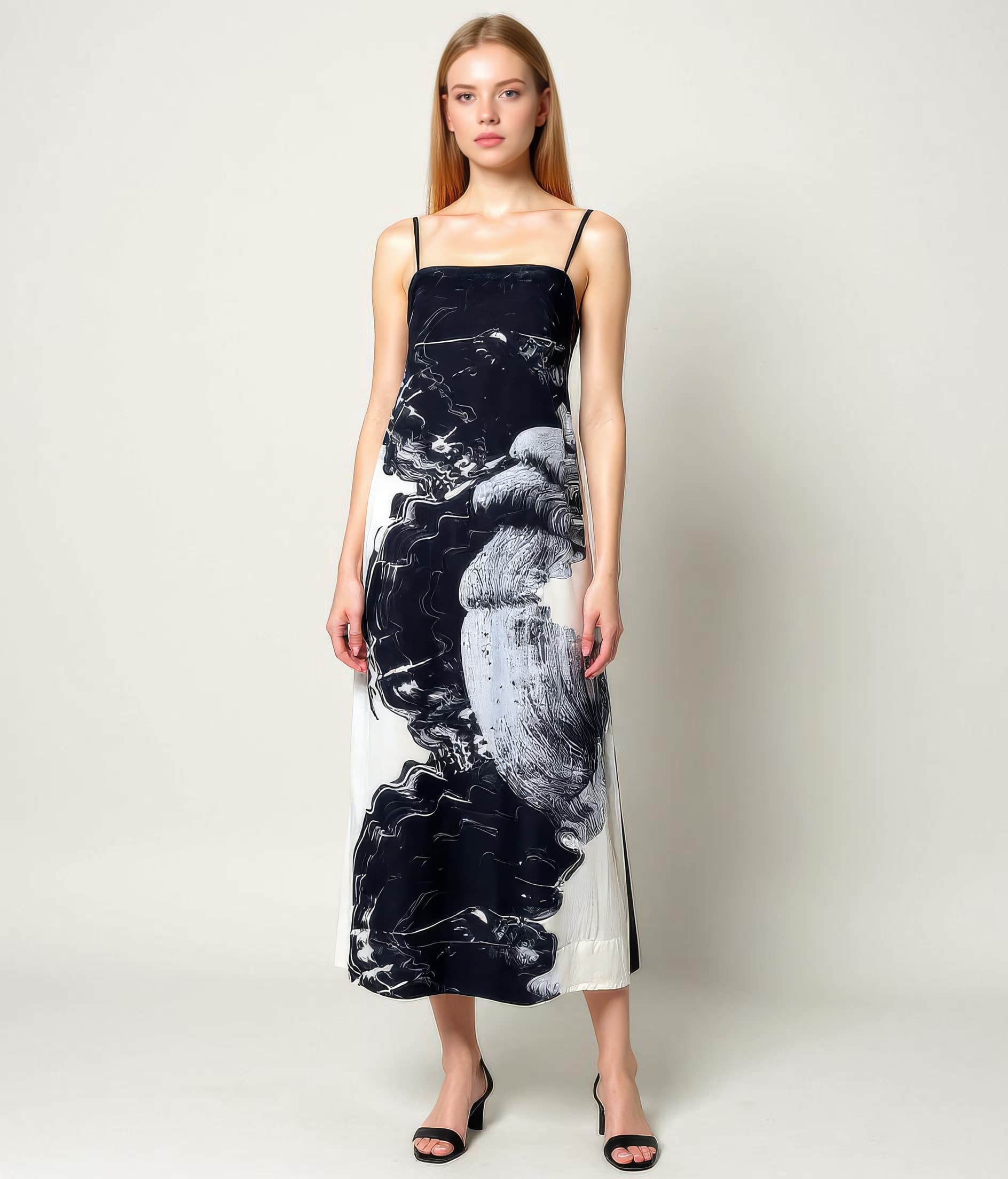
These examples are meant to ground the use case in the kind of imagery teams actually need to publish, review, and reuse across commerce channels.
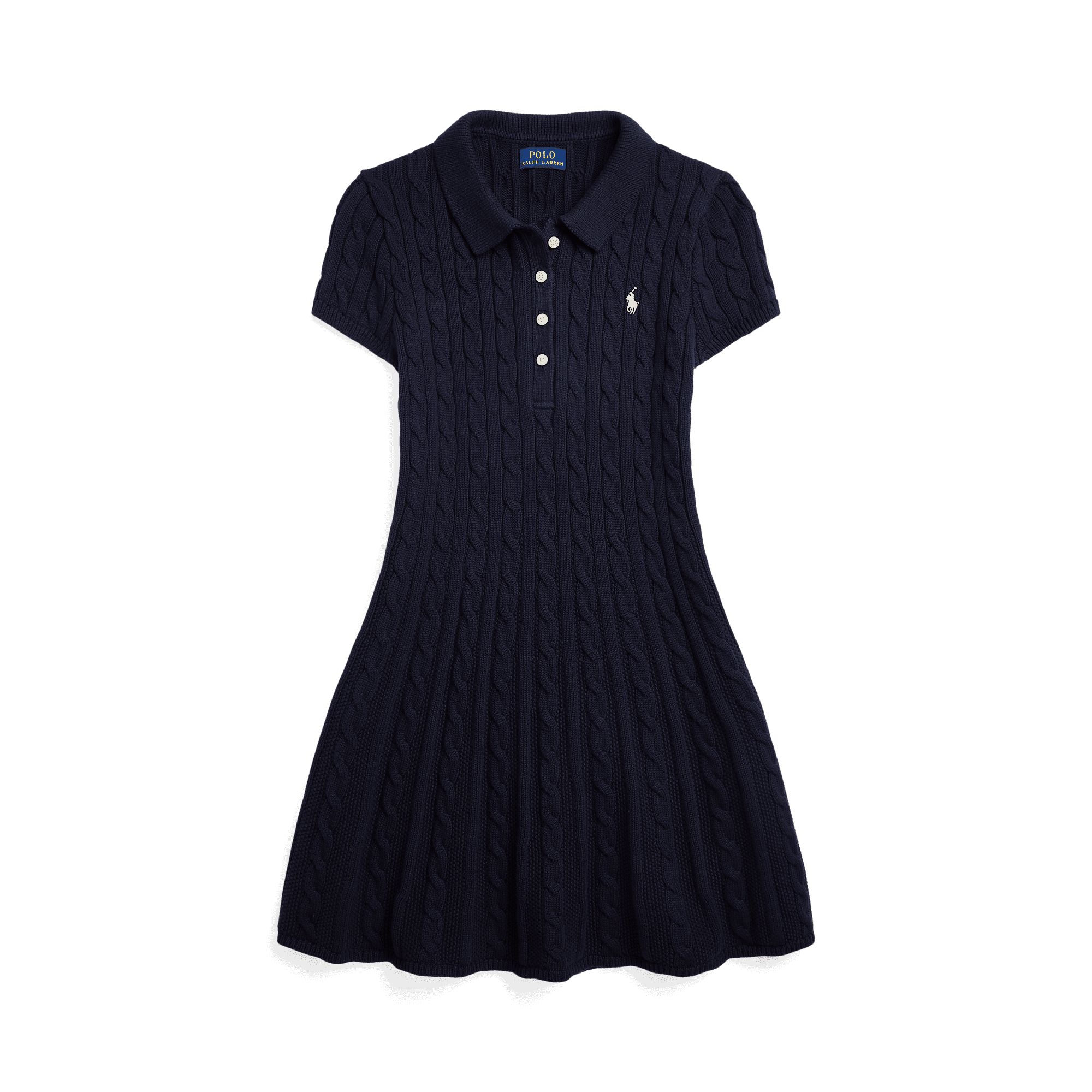
Start from a clear kidswear source
A faithful source image makes it easier to preserve trims, construction, and silhouette for a sensitive category.
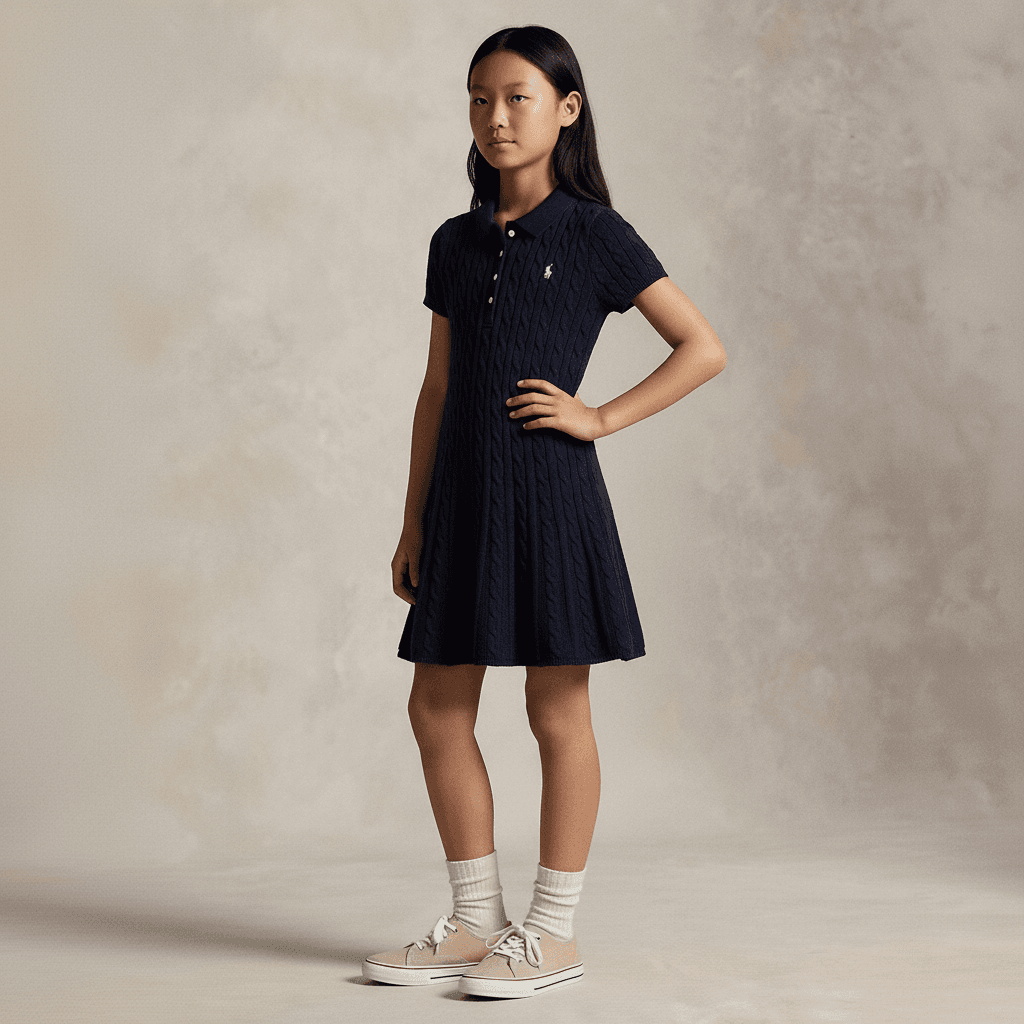
Age-appropriate on-model coverage
Useful for ecommerce and collection pages that need a realistic, category-appropriate presentation rather than generic fashion output.
More natural kidswear presentation
Supports launches and richer merchandising when static packshots do not communicate the range clearly enough.
Overview
Why kidswear is its own category
Kidswear is one of the clearest examples of why generic fashion-image workflows do not always hold up in practice. The production process is harder to schedule, approvals can be slower, and many image-generation tools do not produce results that feel commercially usable for the category.
A virtual try-on workflow for kidswear needs to respect more than styling. It has to feel age-appropriate, product-faithful, and operationally realistic for teams managing a broad range of sizes, silhouettes, and seasonal updates.
Overview
How Leggoro helps kidswear teams
Leggoro gives kidswear brands and sellers a way to create on-model product imagery from existing flat-lay or mannequin photos when traditional production is too slow or too narrow in coverage. That makes it useful for launch prep, long-tail assortments, and day-to-day merchandising gaps.
For kidswear specifically, the value is often about access as much as efficiency. Teams get a workflow for a category that is often underserved by both standard ecommerce production and generic AI image tooling.
Operational Needs
What teams need this workflow to get right.
Create age-appropriate results
Kidswear imagery needs to look realistic and commercially safe for the category, not simply smaller versions of adult-fashion outputs.
Support a wide assortment
Children’s ranges often span many sizes and styles, which makes full on-model coverage difficult to maintain through traditional production alone.
Stay practical under production limits
Kidswear teams need a workflow that can extend coverage without depending on repeated, high-effort shoots for every range update.
Why leggoro
Why teams use Leggoro for this specific use case.
More complete kidswear coverage
Create on-model outputs for more products in the range, including lower-priority items that would otherwise stay underrepresented.
Faster merchandising support
Prepare kidswear visuals sooner for launches, PDPs, and promotional pages without waiting on a full shoot cycle.
A stronger option for a neglected category
Use a workflow that explicitly supports kidswear rather than forcing the assortment into tooling designed around adult-fashion assumptions.
Workflow
A practical rollout path for this workflow.
Use the clearest product image available
Upload the flat-lay or mannequin photo that best represents the garment before generation begins.
Generate with the kids flow
Run the image through a workflow tuned for kidswear outputs and the realities of children’s apparel presentation.
Apply where coverage matters most
Publish to product pages, campaign landing pages, launch collections, and other surfaces where kidswear needs stronger model context.
Common Scenarios
Where this workflow tends to show up most clearly.
- Launching seasonal kidswear capsules without full shoot coverage.
- Improving PDP imagery for schoolwear, occasionwear, or basics collections.
- Extending on-model coverage across lower-priority or lower-volume kids SKUs.
- Creating more consistent kidswear imagery for owned and marketplace channels.
FAQ
Frequently asked questions about this workflow.
Why is kidswear a distinct use case here?
Because kidswear has different production constraints and quality expectations. Teams usually need age-appropriate, commercially reliable outputs rather than generic fashion imagery.
Is this helpful even if a brand already shoots hero products?
Yes. The workflow is especially useful for extending coverage around core shoots so more of the kidswear assortment can still be shown on-model.
What makes kidswear imagery difficult to scale traditionally?
Scheduling, approvals, assortment breadth, and the general complexity of children’s product shoots all make full coverage harder to maintain consistently.
Can this be used for both ecommerce and campaign planning?
Yes. Teams often use the imagery first for merchandising coverage, but it can also support launches, collection pages, and supporting marketing assets.
Related Use Cases