Use Cases
Mannequin to Model
Mannequin to model is a practical workflow for teams that already shoot on forms or mannequins because they need speed and structure, but still want a more commercially appealing on-model result for publishing.
Visual Examples
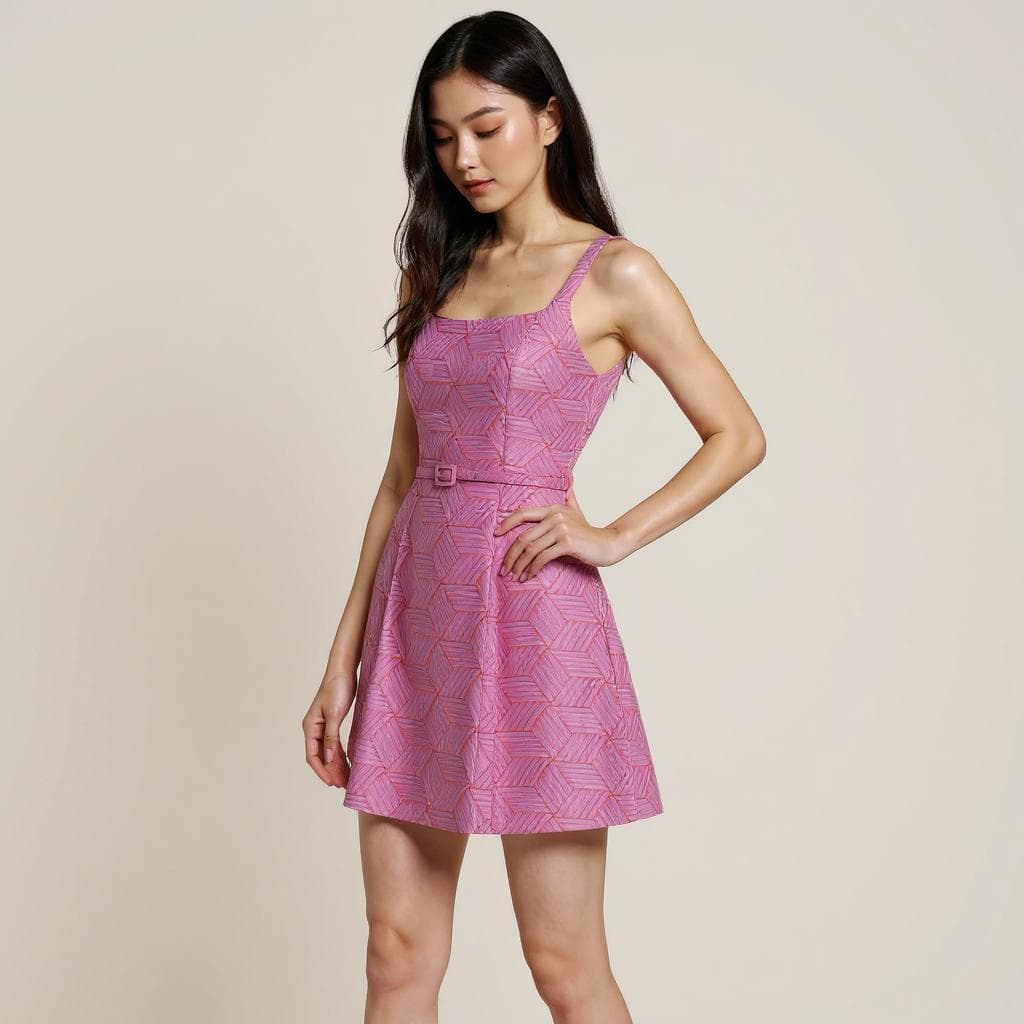
How this workflow can show up across the image pipeline.
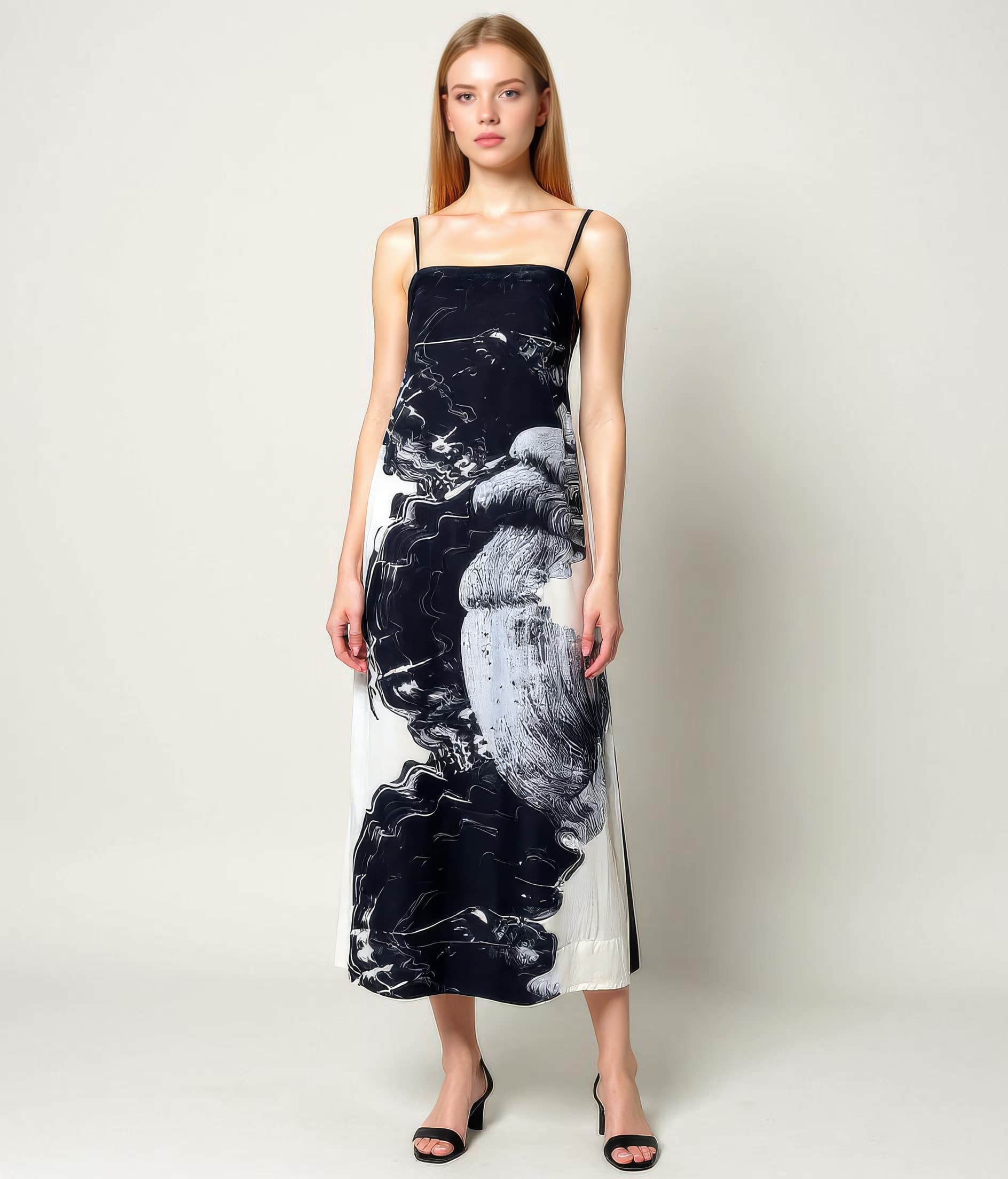
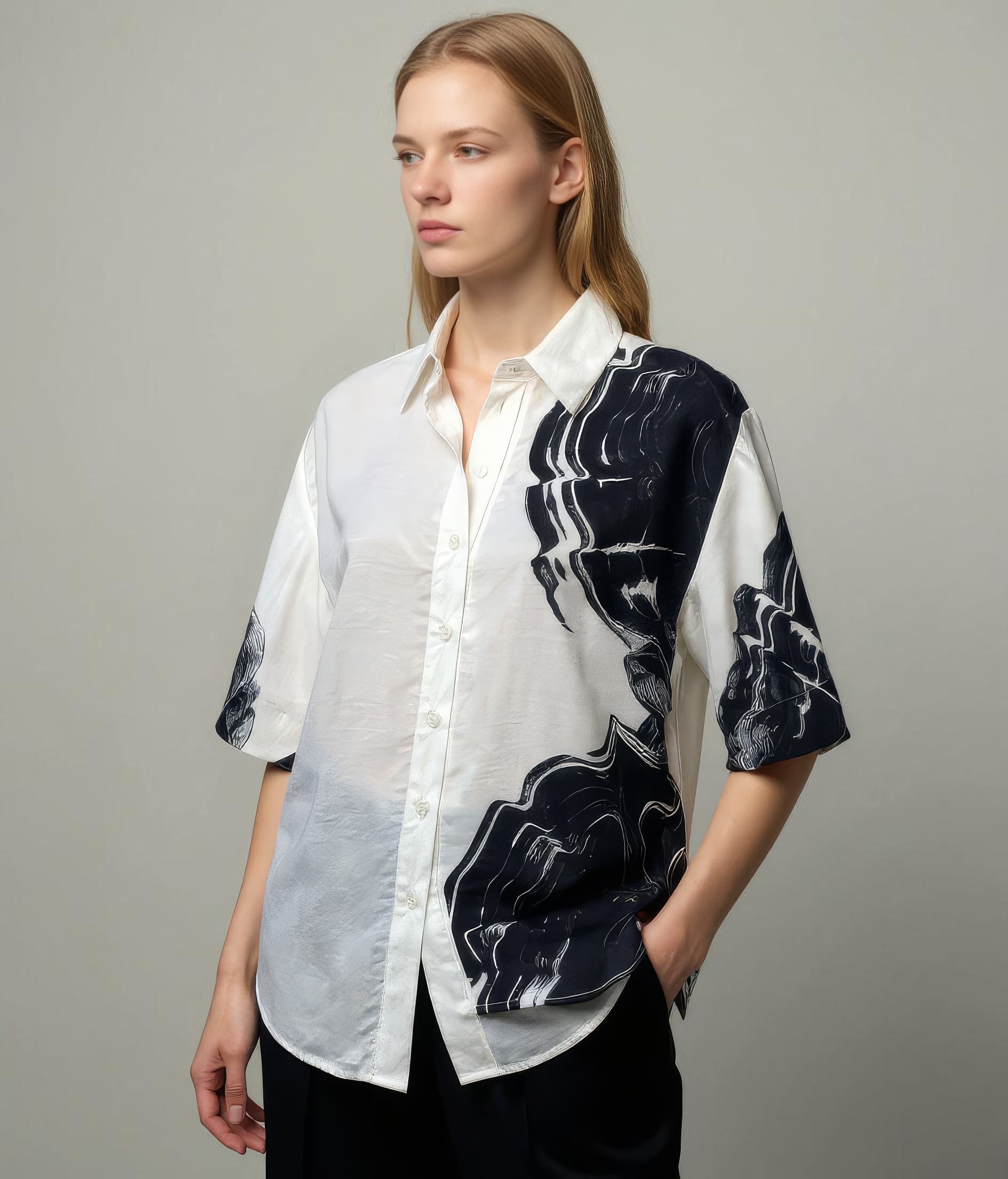
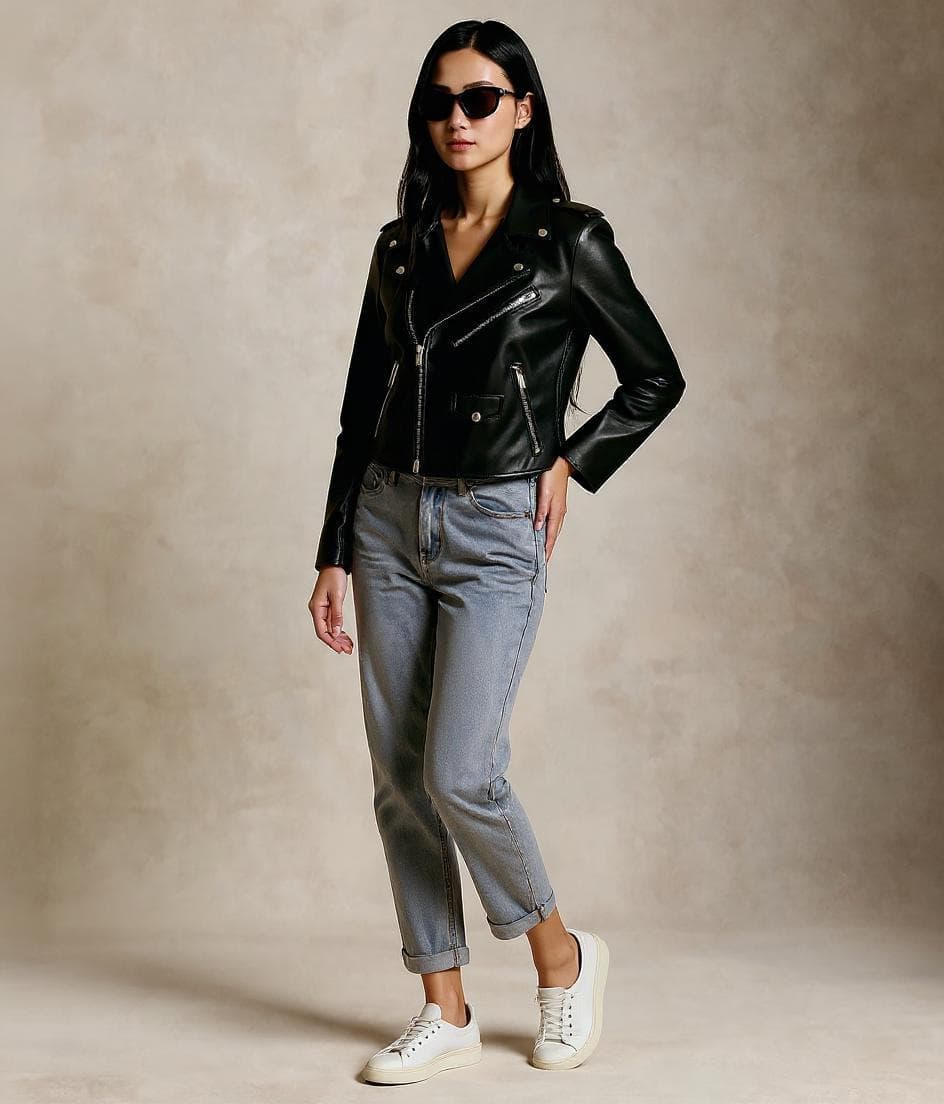
These examples are meant to ground the use case in the kind of imagery teams actually need to publish, review, and reuse across commerce channels.
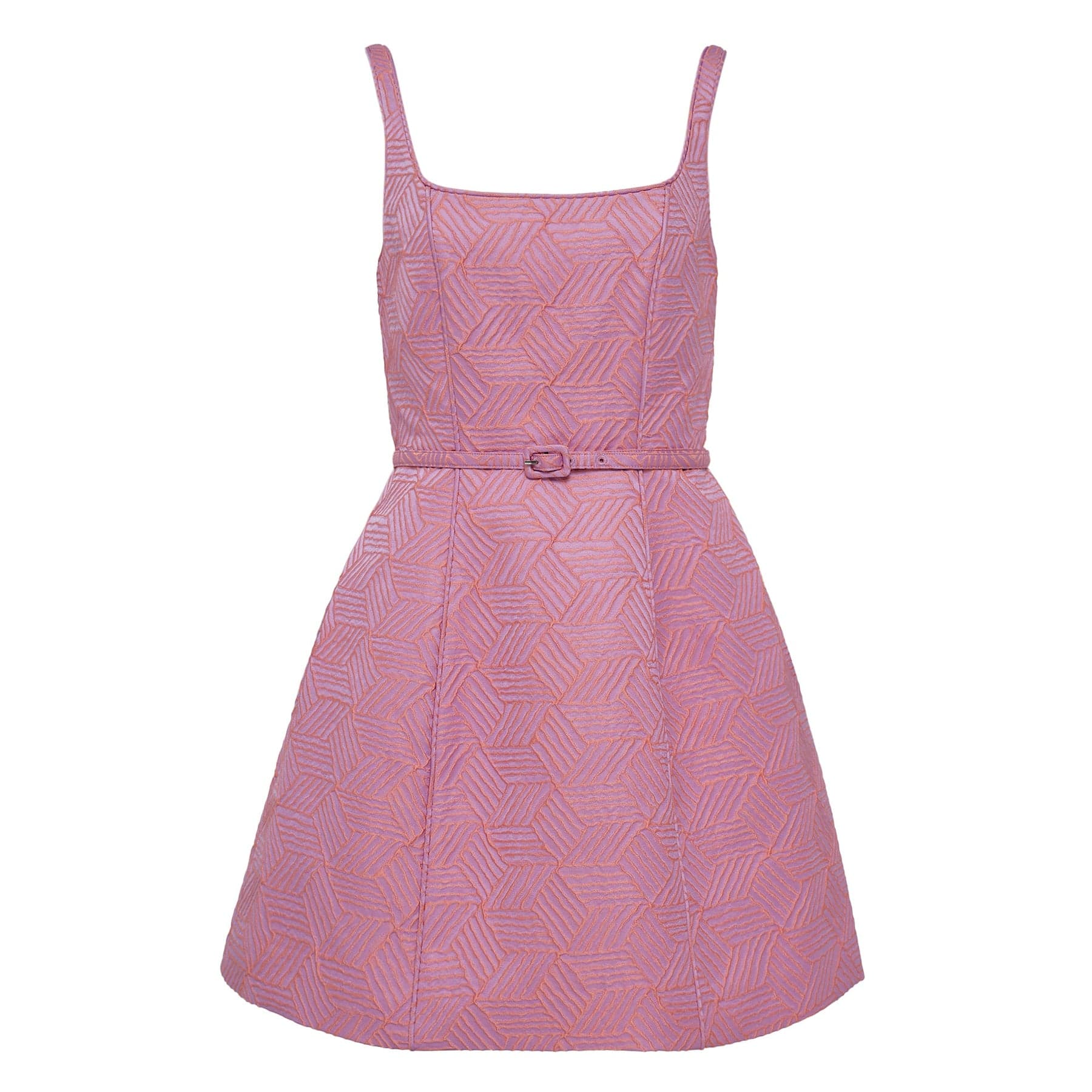
Start from a shape-rich source image
Mannequin shots already preserve drape and structure, which makes them especially practical inputs for customer-facing transformation.
A more human presentation from the same product base
Helps teams move from technically useful mannequin photography to a result that feels more natural on PDPs and collection pages.
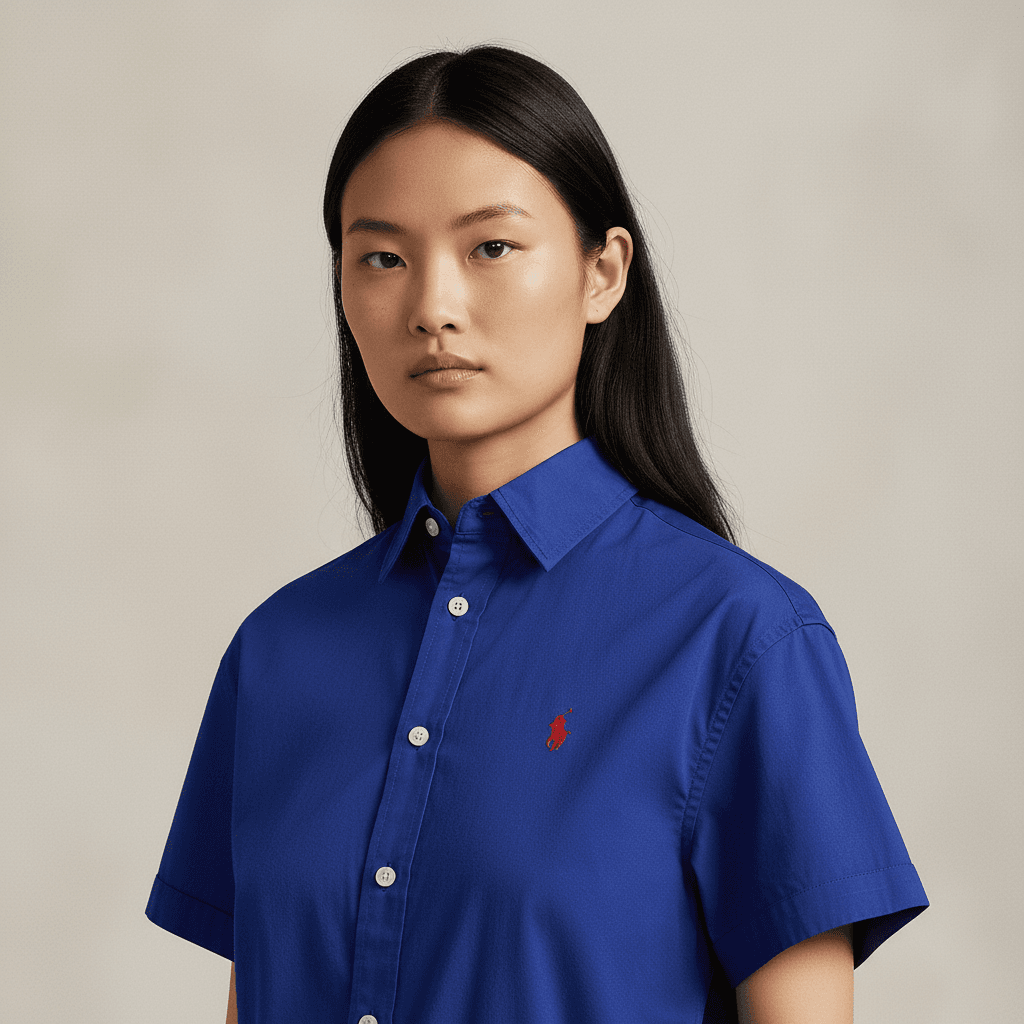
More ways to use an existing mannequin library
Extends the value of structured product photography by making it more flexible across customer-facing channels.
Overview
Why mannequin photography is such a strong starting point
Mannequin photography sits in the middle ground between flat lays and full model shoots. It is faster to produce than a full shoot, but it already communicates volume, structure, and drape more effectively than many basic product-image formats. That makes it an especially practical input for AI transformation workflows.
A mannequin-to-model workflow matters when teams want to keep the production efficiency of mannequin imagery while turning it into something more natural and commercially useful for customer-facing channels.
Overview
How Leggoro fits the mannequin workflow
Leggoro helps teams convert mannequin-based product images into on-model outputs that feel closer to how the item should appear in ecommerce, catalogs, marketplaces, and supporting campaigns. It works well because the source image already carries much of the garment’s structure and styling information.
For teams that already rely on mannequin capture as a production standard, the workflow provides a straightforward path to broader on-model coverage without rebuilding the image pipeline around new shoots.
Operational Needs
What teams need this workflow to get right.
Mannequin photography is useful but not ideal for every channel
It gives structure, but it may still feel too technical or incomplete for environments where shoppers expect a more natural presentation.
Teams need more from assets they already have
When a mannequin library already exists, the fastest win is often making those assets more commercially flexible rather than reshooting immediately.
The transformation has to preserve structure
Because mannequin inputs already encode shape and drape, the on-model result must hold onto those strengths rather than smoothing them away.
Why leggoro
Why teams use Leggoro for this specific use case.
Better-looking customer-facing imagery
Use mannequin photos as a fast path to more polished on-model outputs for commerce channels.
More mileage from structured source assets
Get more downstream value from mannequin libraries that already represent the garments well.
Reduced need for immediate reshoots
Extend coverage sooner while deciding which products truly warrant additional live production.
Workflow
A practical rollout path for this workflow.
Begin with the mannequin image
Upload the structured product image that already captures the garment’s silhouette and physical form well.
Generate the model-based output
Create a more natural customer-facing image while preserving the shape cues and product information present in the source.
Use the output where natural context matters
Apply the result to PDPs, marketplaces, catalogs, launches, and other surfaces that benefit from a more human presentation.
Common Scenarios
Where this workflow tends to show up most clearly.
- Converting mannequin-heavy catalogs into more engaging ecommerce imagery.
- Improving product presentation on marketplaces without new shoots.
- Creating launch assets from structured product images already on hand.
- Extending product-image libraries with more natural model context.
FAQ
Frequently asked questions about this workflow.
Is mannequin to model easier than flat lay to on-model?
It often can be, because mannequin images already preserve more information about volume, silhouette, and drape than many flat-lay photos do.
Why do teams use mannequin photography in the first place?
Because it is efficient, structured, and good at communicating garment shape. The drawback is that it may still feel less natural than true on-model imagery in customer-facing channels.
Can the same source image still be used elsewhere?
Yes. Many teams keep the mannequin image for internal or technical purposes while using the on-model version for more customer-facing applications.
What channels benefit most from mannequin-to-model outputs?
Ecommerce, catalogs, marketplaces, and launch assets are usually the clearest candidates because they benefit directly from stronger on-body context.
Related Use Cases