Use Cases
Virtual Try-On for Catalogs
Catalog teams use Leggoro to create cleaner, more scalable on-model imagery for product assortments that need visual consistency across many pages, categories, or seasonal drops. It is useful when the question is less about one hero image and more about system-wide coverage.

Visual Examples
How this workflow can show up across the image pipeline.
These examples are meant to ground the use case in the kind of imagery teams actually need to publish, review, and reuse across commerce channels.

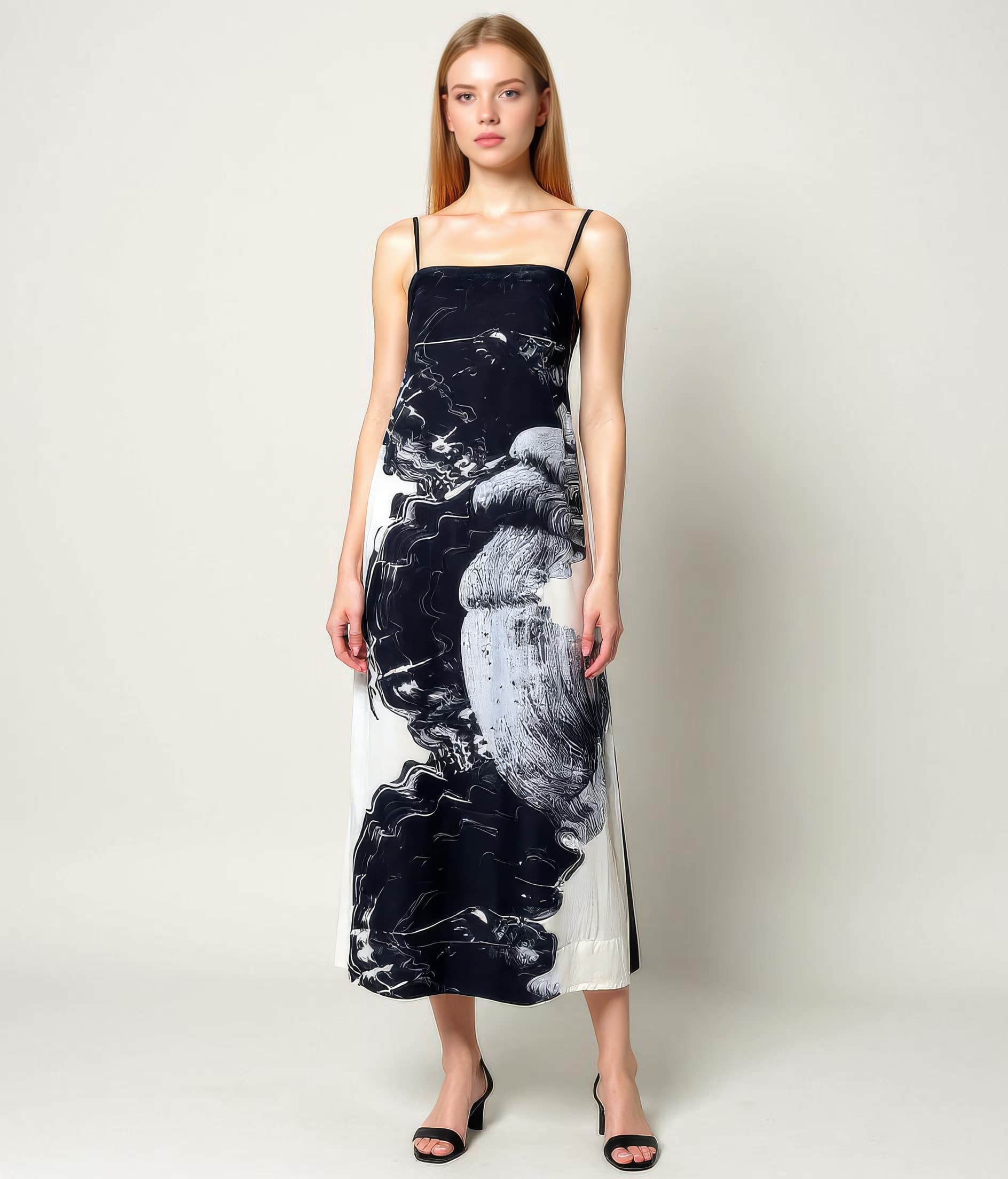
One product, system-wide consistency
Catalog teams benefit most when individual outputs contribute to a cleaner visual system across many pages and categories.
Assets that hold up across more formats
Useful when the same catalog image needs to work across digital merchandising, zoom, decks, or printed materials.
A broader image system for the assortment
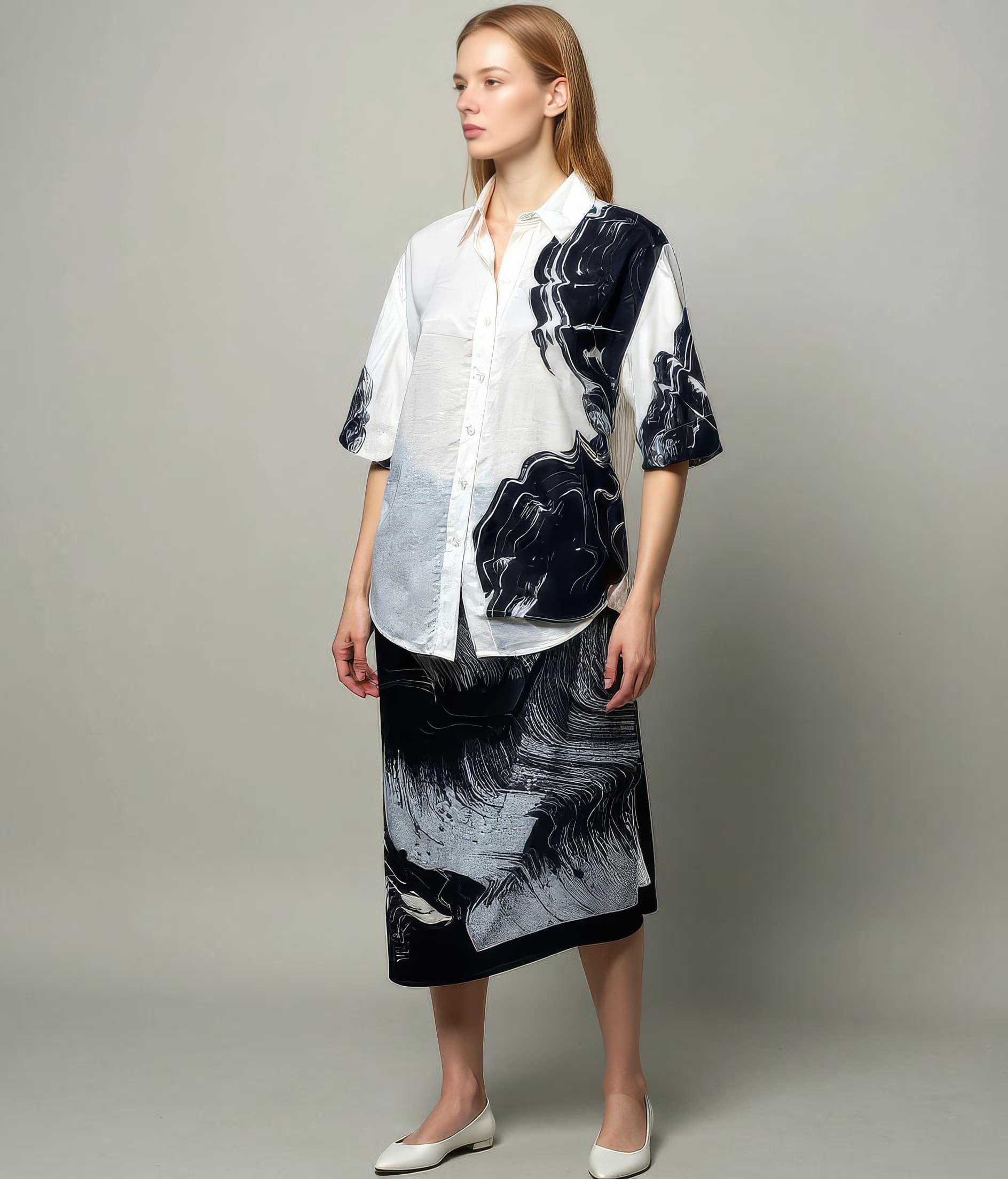
Extra views and consistent treatment make large assortments easier to merchandise, compare, and publish with confidence.
Overview
Why catalogs benefit from scalable on-model workflows
Catalog production is fundamentally a systems problem. Teams are not only trying to create attractive images. They are trying to create enough of them, at the right level of consistency, across a large assortment that may change every season or even every week. That makes coverage and uniformity just as important as any single hero shot.
A virtual try-on workflow for catalogs helps when teams want more of the assortment shown on-model without multiplying production complexity for every product category. The value comes from making the image system broader and more coherent, not just from producing one-off visuals faster.
Overview
How Leggoro fits catalog operations
Leggoro helps catalog teams extend on-model coverage from flat-lay or mannequin photography that already exists in the production pipeline. That makes it useful for digital catalogs, collection pages, range overviews, buyer presentations, and other assortment-heavy surfaces where consistency matters.
For catalog teams, the workflow supports scale. It gives operators and merchandisers another way to maintain visual coherence across large product sets, especially when shoot coverage is uneven or production bandwidth is finite.
Operational Needs
What teams need this workflow to get right.
Coverage matters as much as quality
Catalog teams need a system that works across many products, not just a few highlighted items.
Consistency needs to hold across categories
Assortments look stronger when image treatment feels aligned even if the inputs were captured differently.
Traditional production does not scale evenly
Hero products get coverage first, while the rest of the catalog often ends up visually thinner than the merchandising strategy requires.
Why leggoro
Why teams use Leggoro for this specific use case.
Broader on-model catalog coverage
Extend on-model imagery across more products without relying on a fully expanded live-production footprint.
More cohesive visual systems
Support assortment pages and catalog experiences that feel more unified despite varied source inputs.
Better support for seasonal and recurring updates
Maintain stronger image consistency as collections refresh and product volume shifts over time.
Workflow
A practical rollout path for this workflow.
Pull from the existing catalog image base
Use the product images already captured for the assortment so the workflow integrates into the current content operation.
Generate on-model coverage where the catalog needs depth
Apply the workflow to products or ranges where additional context would strengthen the overall catalog experience.
Publish into the broader assortment system
Use the outputs in collection pages, category grids, range presentations, and other catalog contexts where coverage and consistency matter.
Common Scenarios
Where this workflow tends to show up most clearly.
- Extending on-model coverage across digital catalogs and collection pages.
- Improving consistency across large seasonal assortments.
- Supporting merchandising and buyer presentations with stronger visuals.
- Keeping category pages visually coherent when source imagery varies.
FAQ
Frequently asked questions about this workflow.
How is this different from the ecommerce use case?
Ecommerce often focuses on individual product-page performance, while catalog work emphasizes consistency, breadth, and how the assortment reads as a system across many products.
Is this only for print catalogs?
No. It applies just as strongly to digital collection pages, assortment views, merchandising decks, and other catalog-style surfaces.
Why do catalogs need a separate workflow lens?
Because the challenge is usually scale and consistency across many products, not just whether a single item has a good hero image.
Can catalog teams still prioritize hero shoots?
Yes. Many teams use hero shoots for key products and AI on-model generation to extend strong presentation across the rest of the assortment.
Related Use Cases