Use Cases
Virtual Try-On for Dropshipping
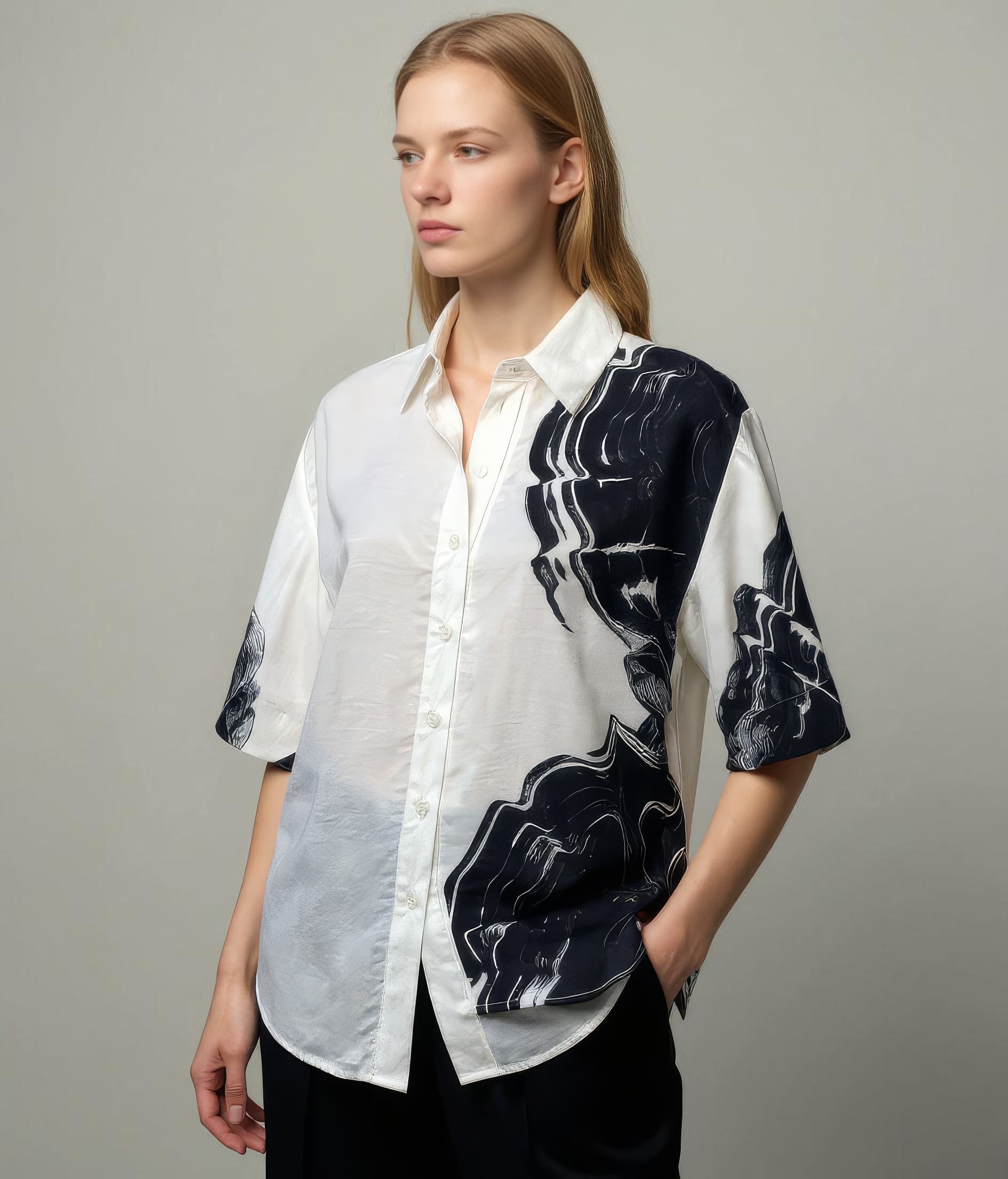
Dropshipping teams use Leggoro to improve how products look online when the starting point is often limited to supplier images, flat lays, or inconsistent catalog assets. The focus is on faster presentation upgrades that still keep the product understandable.
Visual Examples
How this workflow can show up across the image pipeline.
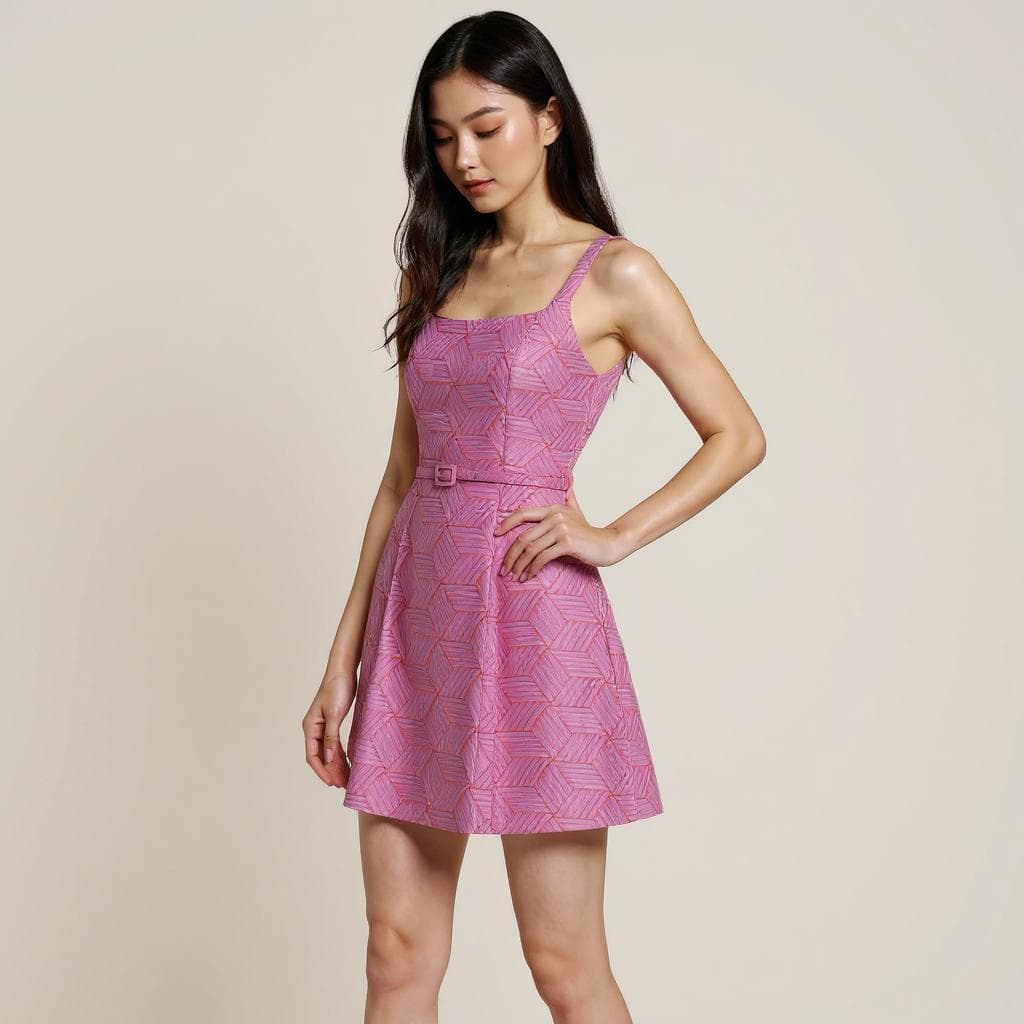
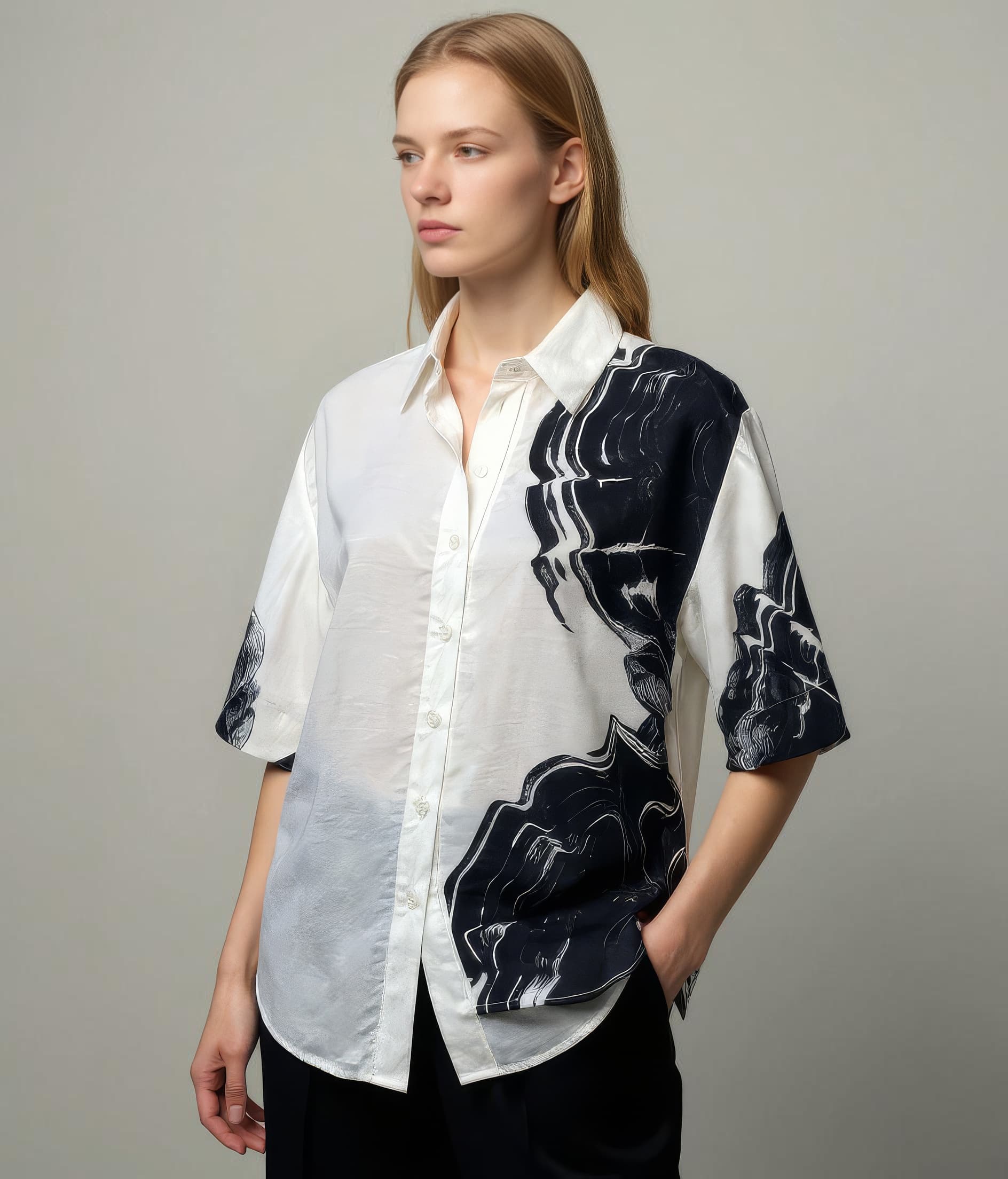
These examples are meant to ground the use case in the kind of imagery teams actually need to publish, review, and reuse across commerce channels.
Imperfect inputs, stronger output
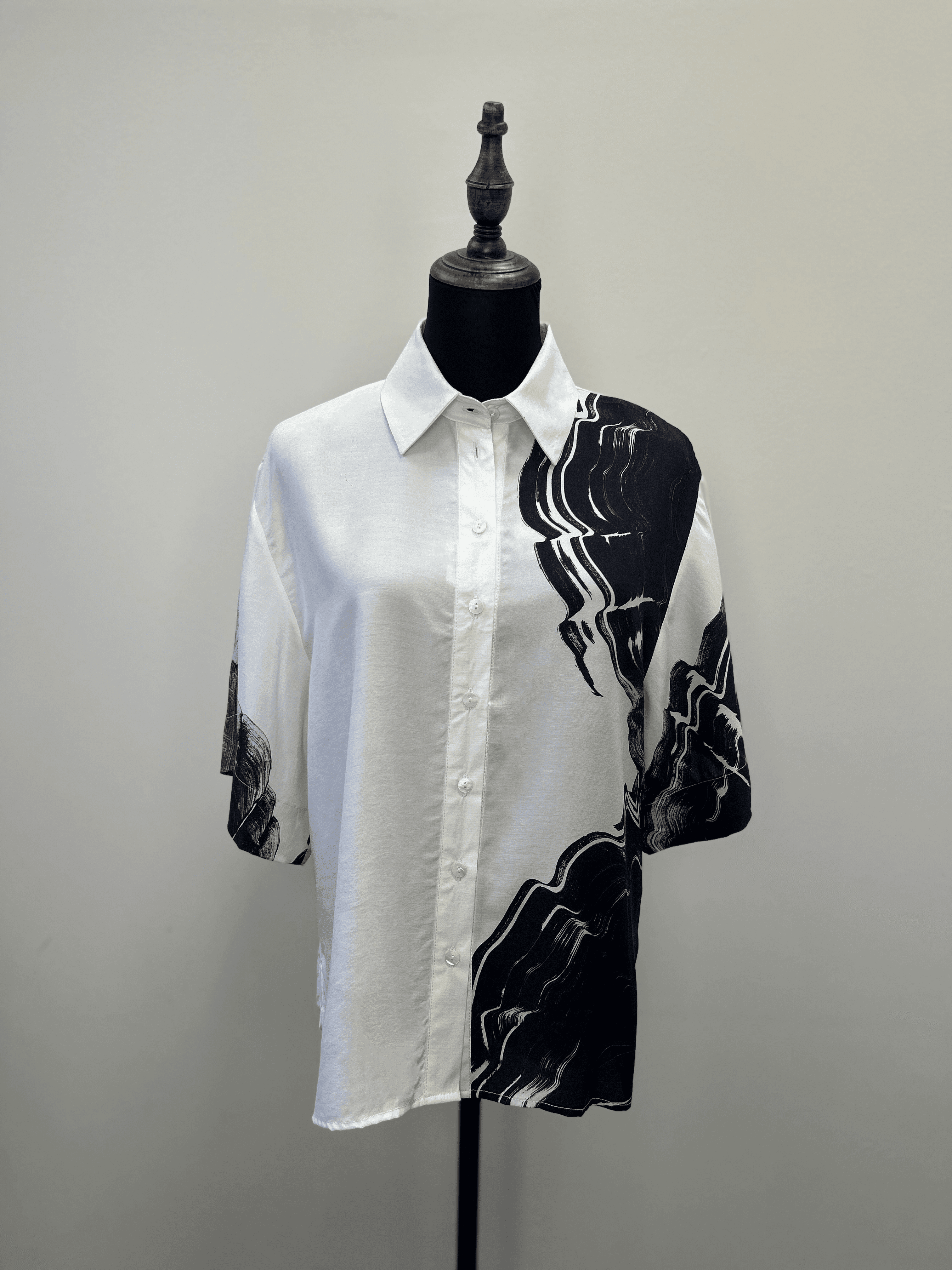
Many dropshipping teams begin with source images that are accurate enough to sell from, but not strong enough to build trust around.
Cleaner presentation for faster testing
Gives operators a better baseline for storefront launches and early creative testing before custom production is justified.
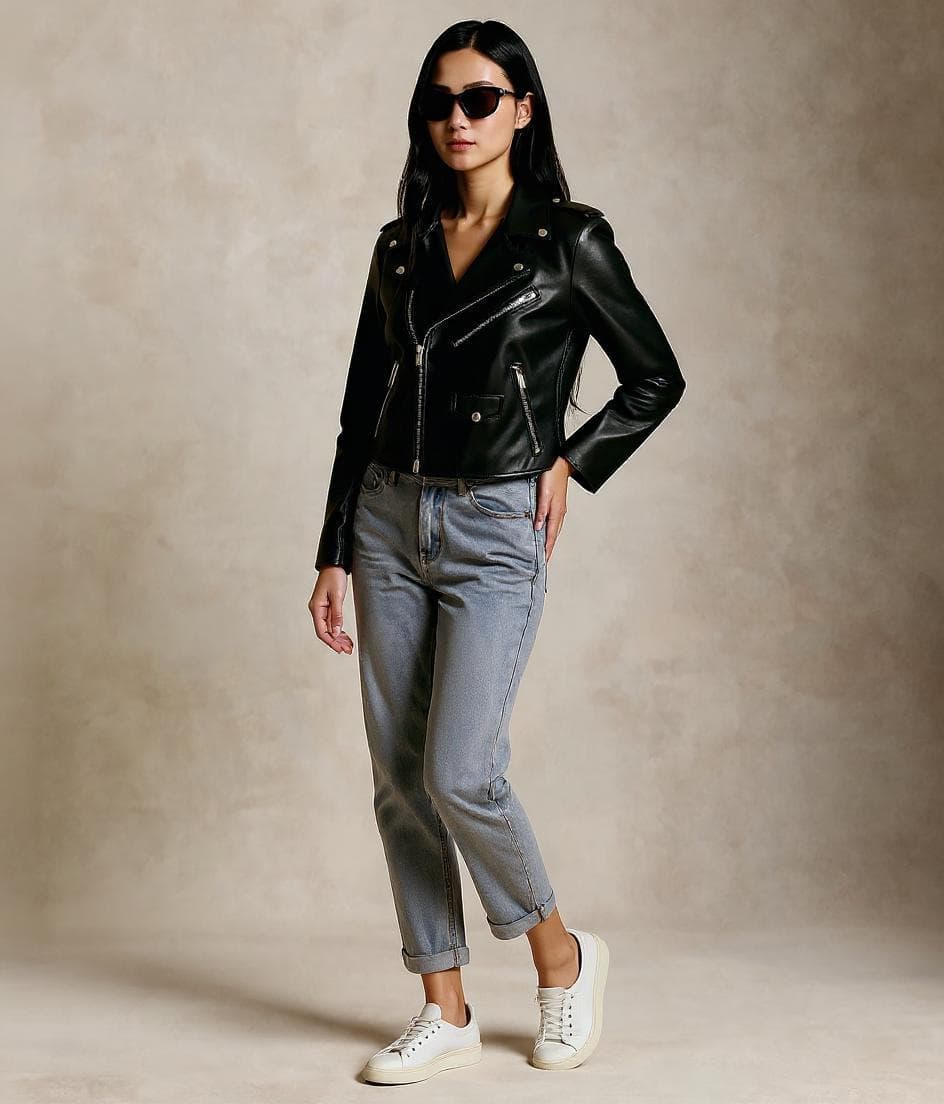
More coherent visual merchandising
Helps mixed-source assortments feel more intentional across a storefront, even when the original supplier assets vary widely.
Overview
Why dropshipping teams care about image quality
Dropshipping businesses often move quickly on product testing, but the source assets they inherit are rarely designed for strong brand presentation. That creates a gap between the speed of the business model and the quality of the imagery shoppers actually see on storefronts and ads.
A virtual try-on workflow for dropshipping needs to be practical above all else. It should help teams turn imperfect supplier inputs into clearer, more presentable on-model visuals without requiring every winning product to go through a traditional production pipeline first.
Overview
Where Leggoro helps
Leggoro helps dropshipping teams upgrade product presentation when the available images are functional but weak. That can be useful for testing new fashion products, refreshing winning listings, or standardizing storefront quality across a larger catalog.
The workflow is valuable when teams want more credible, more attractive visuals before investing in a heavier production setup. It does not remove the need for quality control, but it gives operators a better baseline to publish from.
Operational Needs
What teams need this workflow to get right.
Work from supplier-first inputs
Dropshipping catalogs often begin with assets that were created for wholesale distribution rather than for strong consumer presentation.
Improve quality without slowing testing
Teams still need to move quickly on assortment decisions, even when image quality becomes a limiting factor.
Create a more coherent storefront
A store with inconsistent product imagery can feel unreliable, especially when products come from multiple sources.
Why leggoro
Why teams use Leggoro for this specific use case.
Stronger storefront consistency
Use a repeatable on-model workflow to make mixed-source apparel products feel more visually coherent on one storefront.
Better-looking test products
Publish with cleaner visuals earlier when evaluating what products deserve more investment.
More mileage from supplier images
Extend the usefulness of basic source assets instead of treating weak supplier imagery as a hard constraint.
Workflow
A practical rollout path for this workflow.
Choose the supplier image with the clearest product read
The goal is to start from the source that best preserves color, silhouette, and basic garment structure.
Generate a cleaner on-model version
Turn the product into a more compelling visual while staying close enough to the source image for commercial reliability.
Use the result in product tests and catalog cleanup
Apply the imagery to storefront listings, paid creative testing, or broader catalog standardization efforts.
Common Scenarios
Where this workflow tends to show up most clearly.
- Cleaning up low-quality supplier apparel assets.
- Improving visual consistency across a mixed-source storefront.
- Creating better creative for winning products before custom shoots.
- Making test listings look more credible during early validation.
FAQ
Frequently asked questions about this workflow.
Why is this useful for dropshipping specifically?
Because dropshipping teams often inherit weak imagery and still need to move fast. A practical on-model workflow can improve presentation without requiring a full content studio around every product.
Can it help before a product is fully proven?
Yes. It is useful when teams want stronger visuals during testing or early scaling, before deciding whether a product deserves more production investment.
Does this only help for owned stores?
No. The same assets can support owned ecommerce, marketplaces, and paid creative depending on where the product is being sold.
What is the biggest limitation with dropshipping source images?
The starting assets are often inconsistent in quality and commercial clarity. The workflow is most helpful when it creates a stronger baseline from those imperfect inputs.
Related Use Cases