Use Cases
Virtual Try-On for Fashion Brands
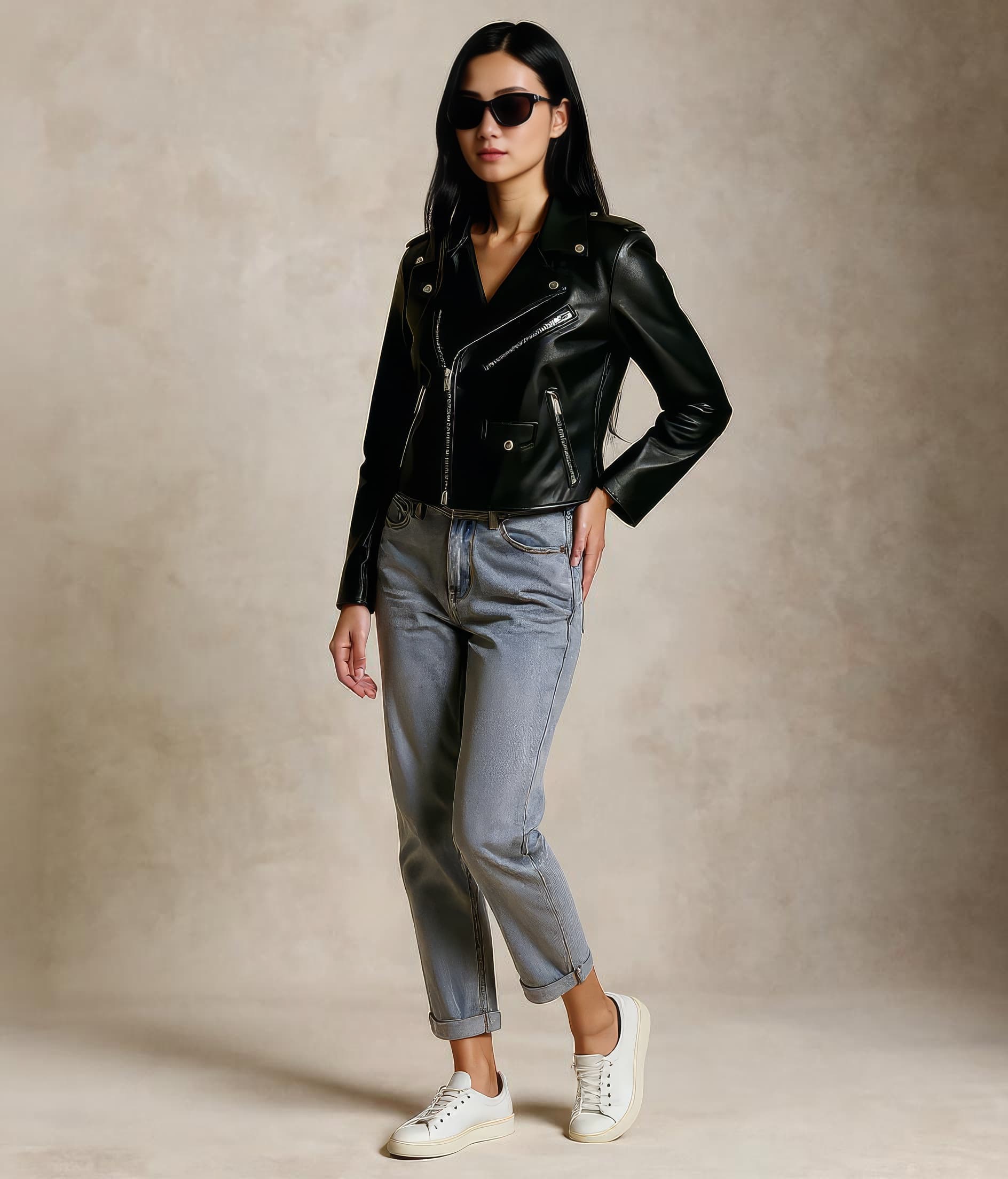
Fashion brands use Leggoro to turn flat-lay and mannequin photography into polished on-model imagery that still respects silhouette, fabric, trim, and print placement. It is especially useful when teams need more output volume without loosening the brand bar.
Visual Examples
How this workflow can show up across the image pipeline.
These examples are meant to ground the use case in the kind of imagery teams actually need to publish, review, and reuse across commerce channels.
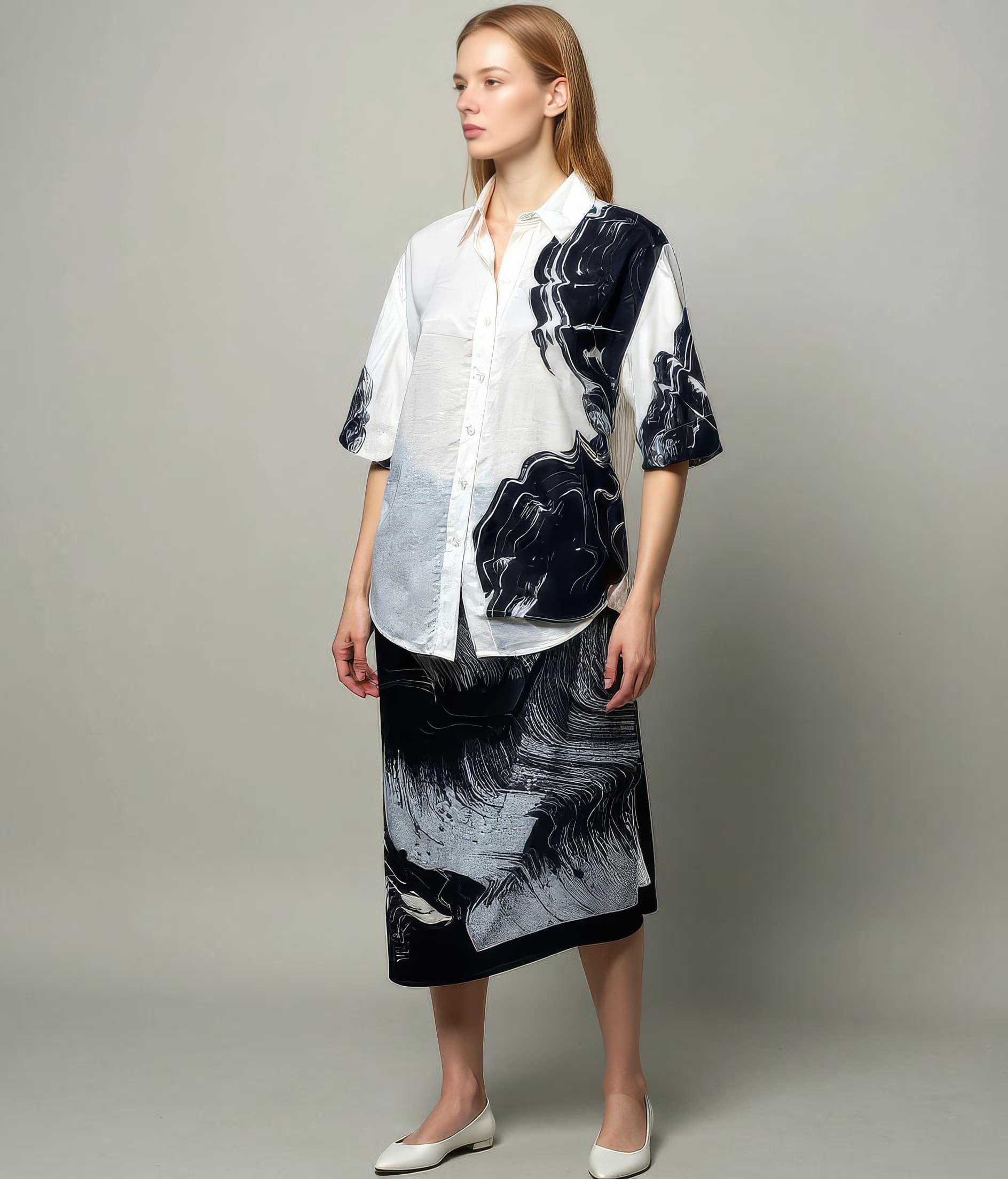
Brand-led launch presentation
Useful when a collection needs polished on-model coverage before every SKU can go through a hero shoot.
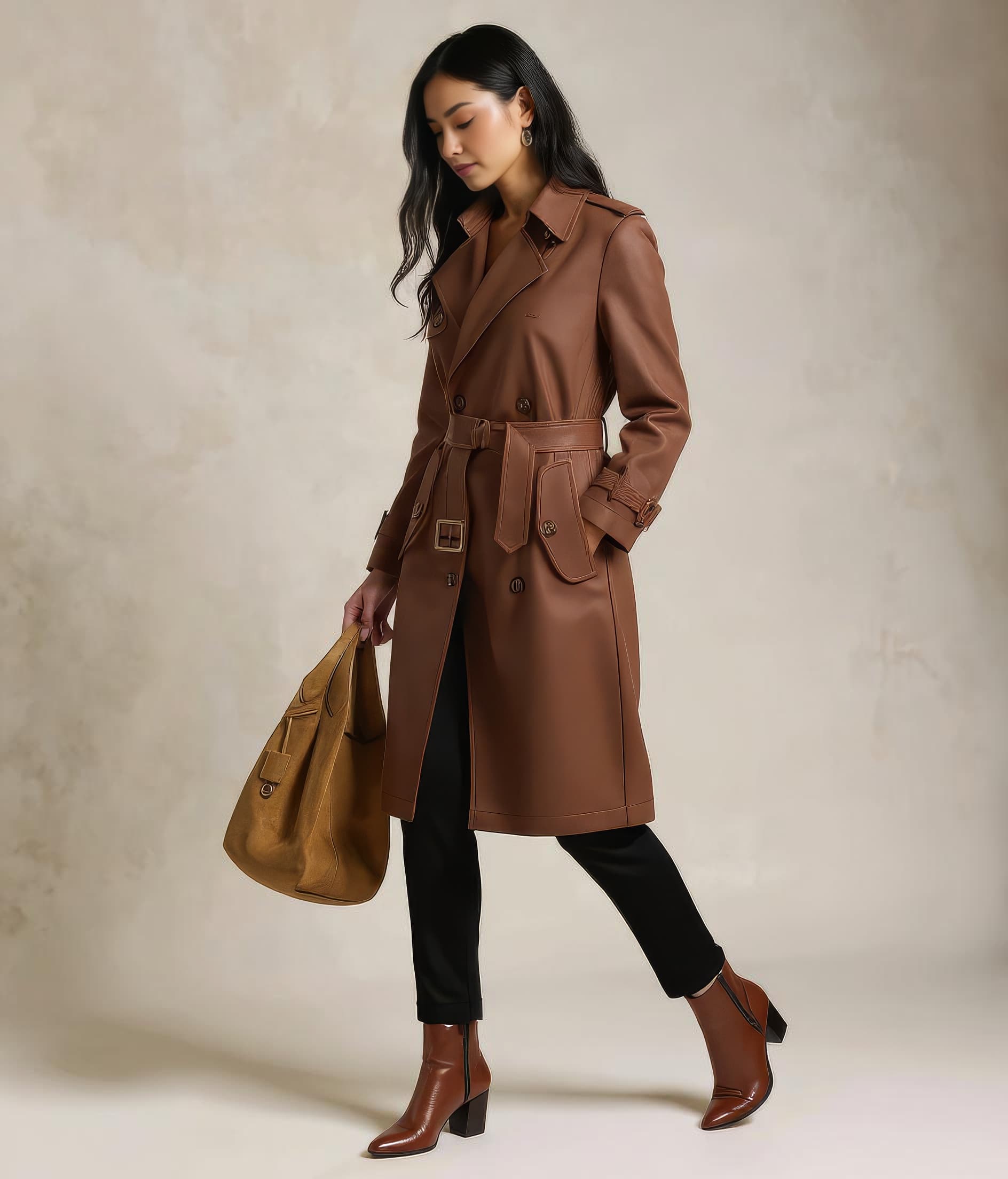
Sharper assets for premium surfaces
Strong for launch pages, campaign recaps, and higher-resolution brand moments where clean detail matters.
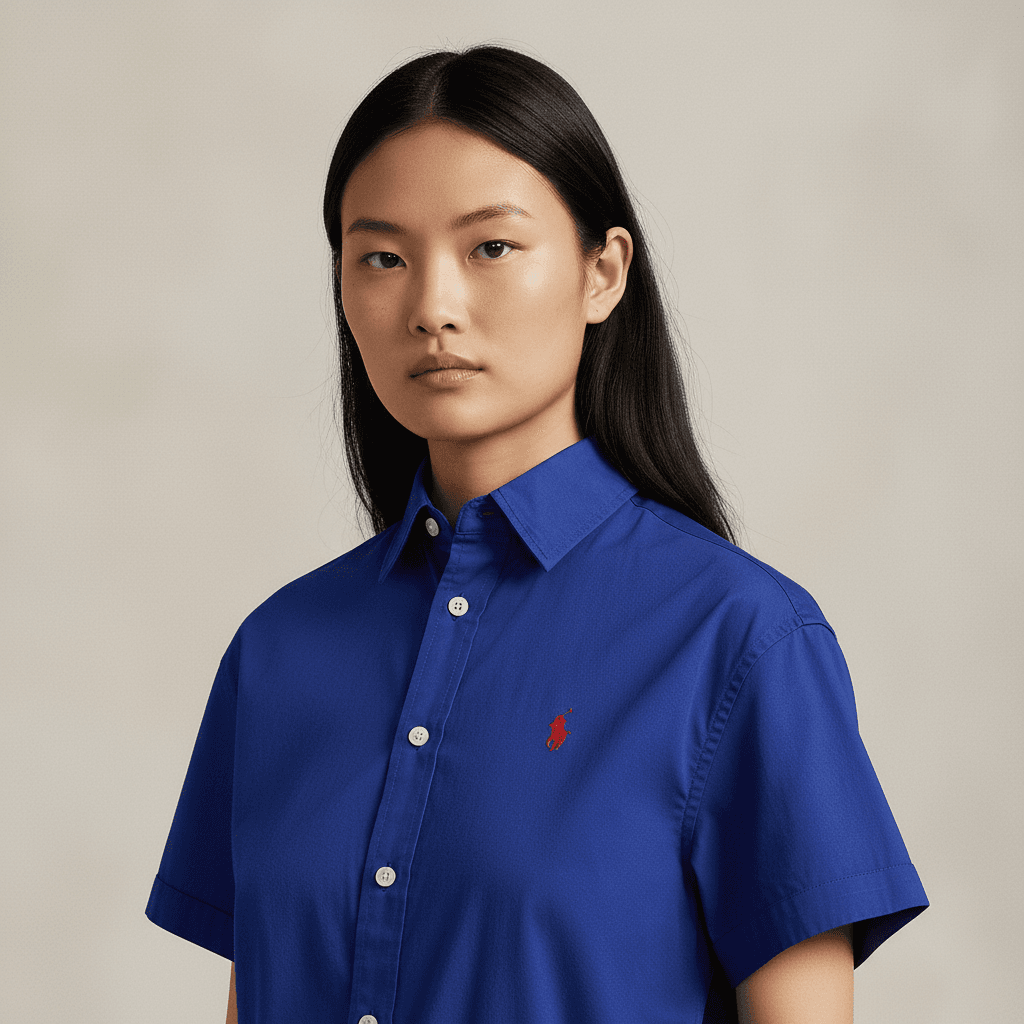
Closer product storytelling
Helps teams show texture, styling, and trim with a more editorial feel while staying product-led.
Overview
Why fashion brands explore virtual try-on workflows
Fashion brands rarely struggle with knowing what good imagery looks like. The harder problem is producing enough of it, quickly enough, while keeping product details, casting direction, and brand tone intact. When launch calendars tighten, teams often end up trading quality for speed or delaying publication while waiting on another shoot day.
A virtual try-on workflow for fashion brands needs to feel less like a gimmick and more like an extension of the existing creative operation. That means the result has to preserve the garment, follow the intended styling direction, and give teams something that can actually be used in merchandising, paid media, and launch planning.
Overview
Where Leggoro fits for brand teams
Leggoro is designed for the part of the workflow where a team already has a product image, knows the commercial context, and wants a model-on-body result without restarting the whole production process. Instead of replacing creative direction, it compresses the time between product readiness and publishable visuals.
For fashion brands, that usually means using AI on-model generation to support launch prep, expand ecommerce coverage, test campaign variations, or keep always-on assortments visually fresh. The value is not just saving time. It is giving teams more publishing options while holding onto product truth.
Operational Needs
What teams need this workflow to get right.
Keep the product recognizably yours
Brand teams need fabric, trims, pattern scale, and shape to read correctly. If those drift, the image stops being commercially useful.
Move at launch speed
Collection drops and promotional calendars create demand for more image output than most studio schedules can comfortably support.
Stay visually consistent across channels
A fashion brand often needs the same product to work across PDPs, launch pages, social, and paid creative without feeling disconnected.
Why leggoro
Why teams use Leggoro for this specific use case.
More coverage without more shoots
Convert existing product photography into additional on-model assets when a line needs broader visual coverage.
Stronger pre-launch readiness
Build marketing-ready assets earlier in the merchandising cycle so launch pages and campaign briefs are less dependent on final shoot timing.
Cleaner creative planning
Give brand, ecommerce, and growth teams a consistent visual baseline to work from when planning how a collection will show up online.
Workflow
A practical rollout path for this workflow.
Start with the product image you already trust
Upload a flat-lay or mannequin photo that already reflects the item accurately in color, construction, and silhouette.
Set the imagery direction
Choose the appropriate flow, category, and style reference so the output stays aligned with the brand’s visual language.
Publish to the channels that need more volume
Use the resulting imagery for PDPs, collection pages, launch campaigns, and related brand surfaces that need cohesive visual coverage.
Common Scenarios
Where this workflow tends to show up most clearly.
- Supporting collection drops when not every SKU can justify a new shoot.
- Expanding on-model coverage for evergreen products that still convert well.
- Creating faster visual concepts for internal reviews before final campaign production.
- Standardizing imagery across regions, capsules, or lower-priority assortments.
FAQ
Frequently asked questions about this workflow.
What makes this useful for fashion brands specifically?
Fashion brands usually care about detail accuracy and brand consistency more than novelty. The workflow is valuable when it helps teams create usable imagery faster without losing the product or the brand’s visual standards.
Can the same workflow support both ecommerce and marketing teams?
Yes. Brand teams can use it to extend launch and campaign coverage, while ecommerce teams can use the same outputs to fill merchandising gaps on PDPs and collection pages.
Does this replace a brand photoshoot?
Not necessarily. Many brands use it to cover lower-priority SKUs, create pre-launch assets, or extend coverage around hero shoots rather than replacing every photoshoot outright.
What matters most in the source image?
Clear lighting, faithful color, and a product image that already represents the garment well. The better the input, the easier it is to keep the output commercially reliable.
Related Use Cases