Use Cases
Virtual Try-On for Ecommerce
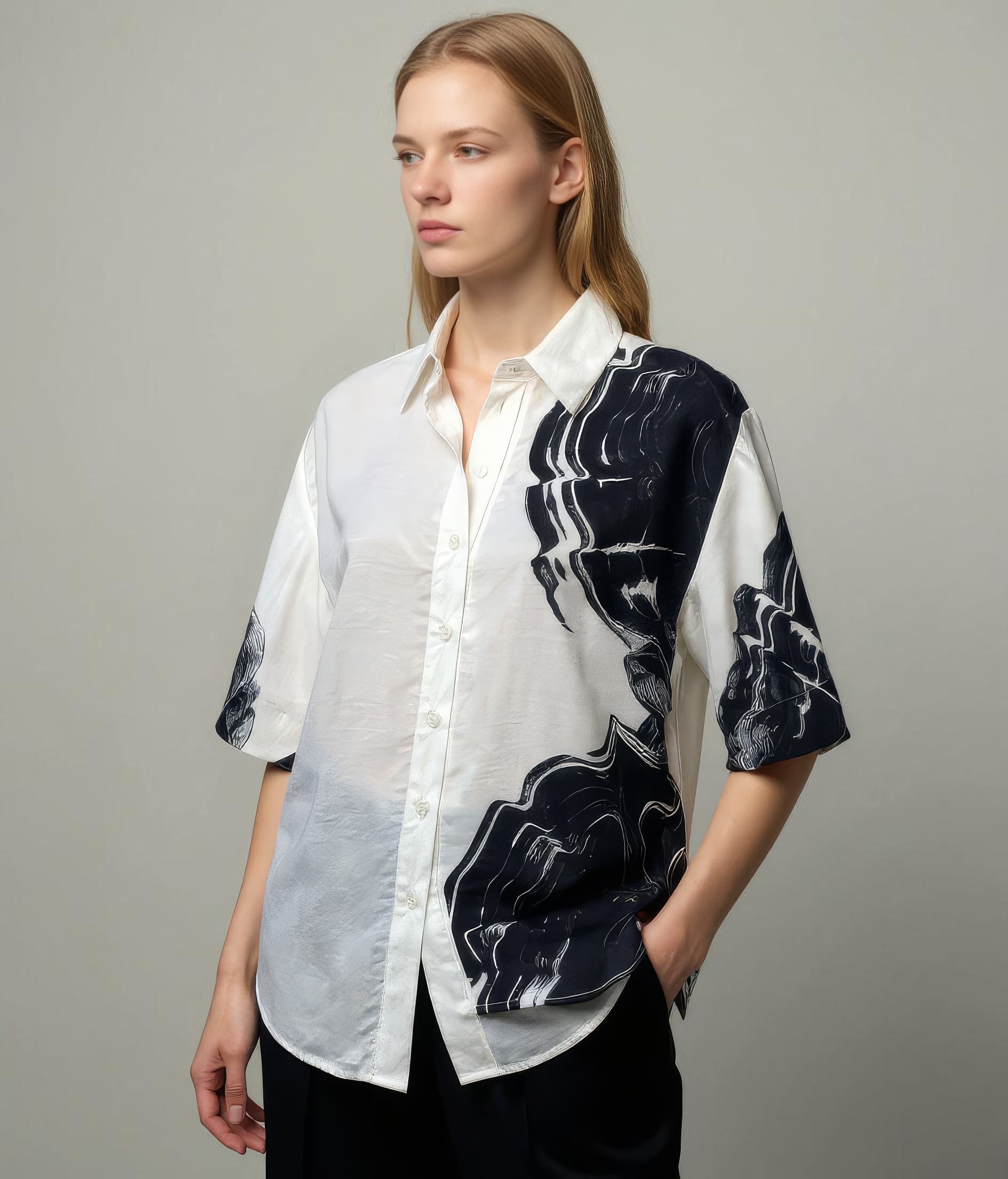
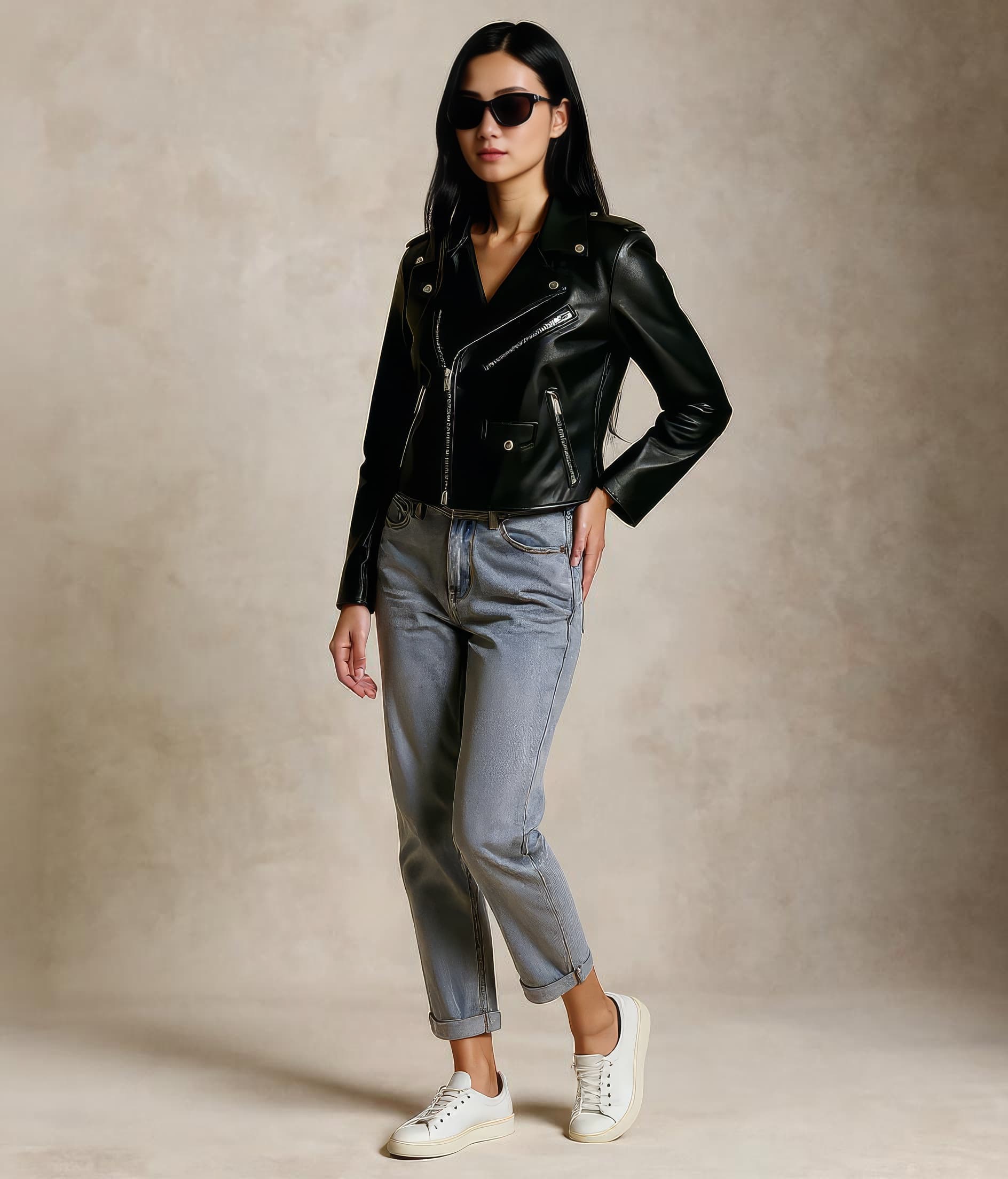
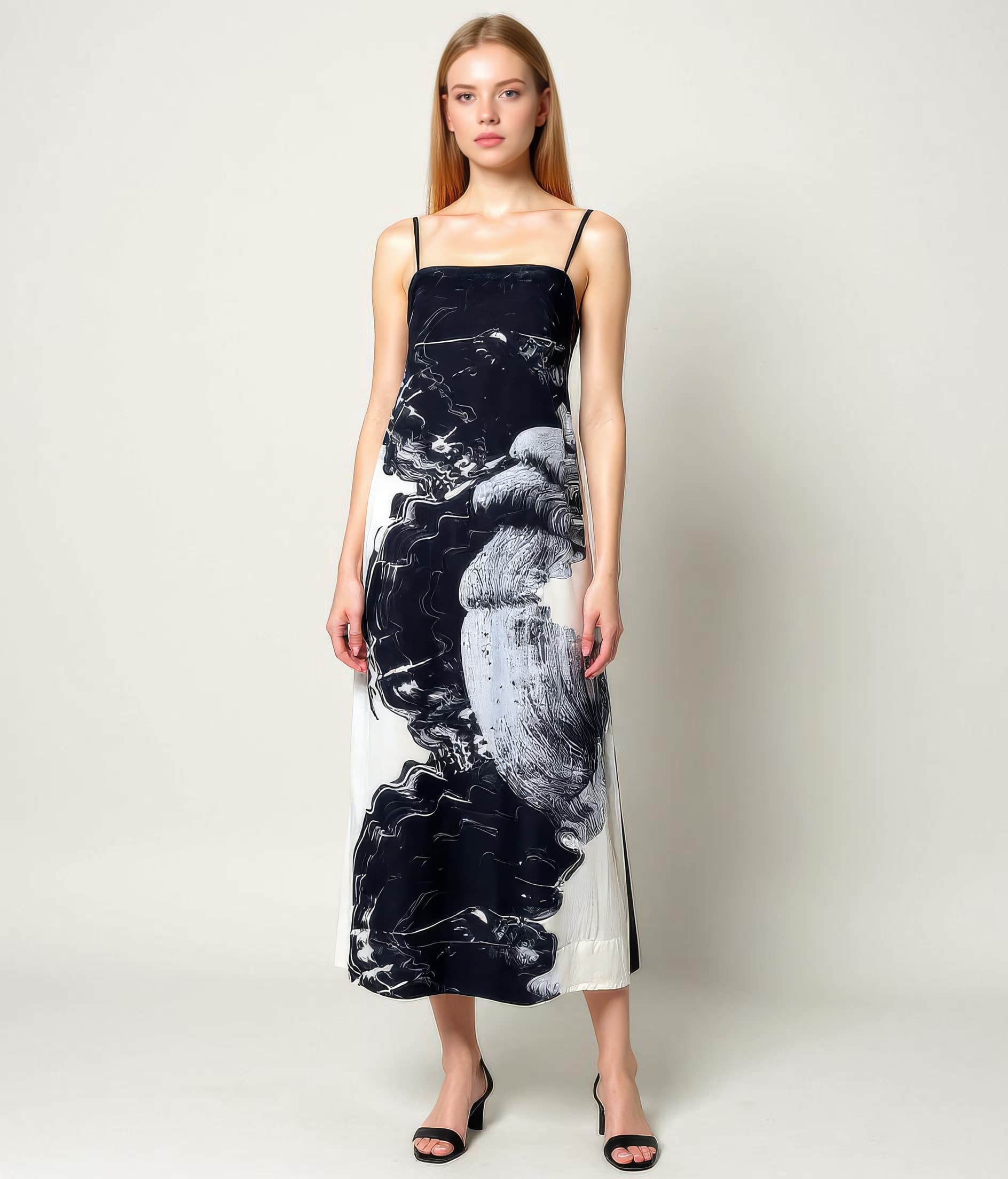
Ecommerce teams use Leggoro to improve product-page imagery with faster on-model output from existing product photos. The workflow is useful when assortments are wide, publish cadence is high, and every missing image creates friction for conversion.
Visual Examples
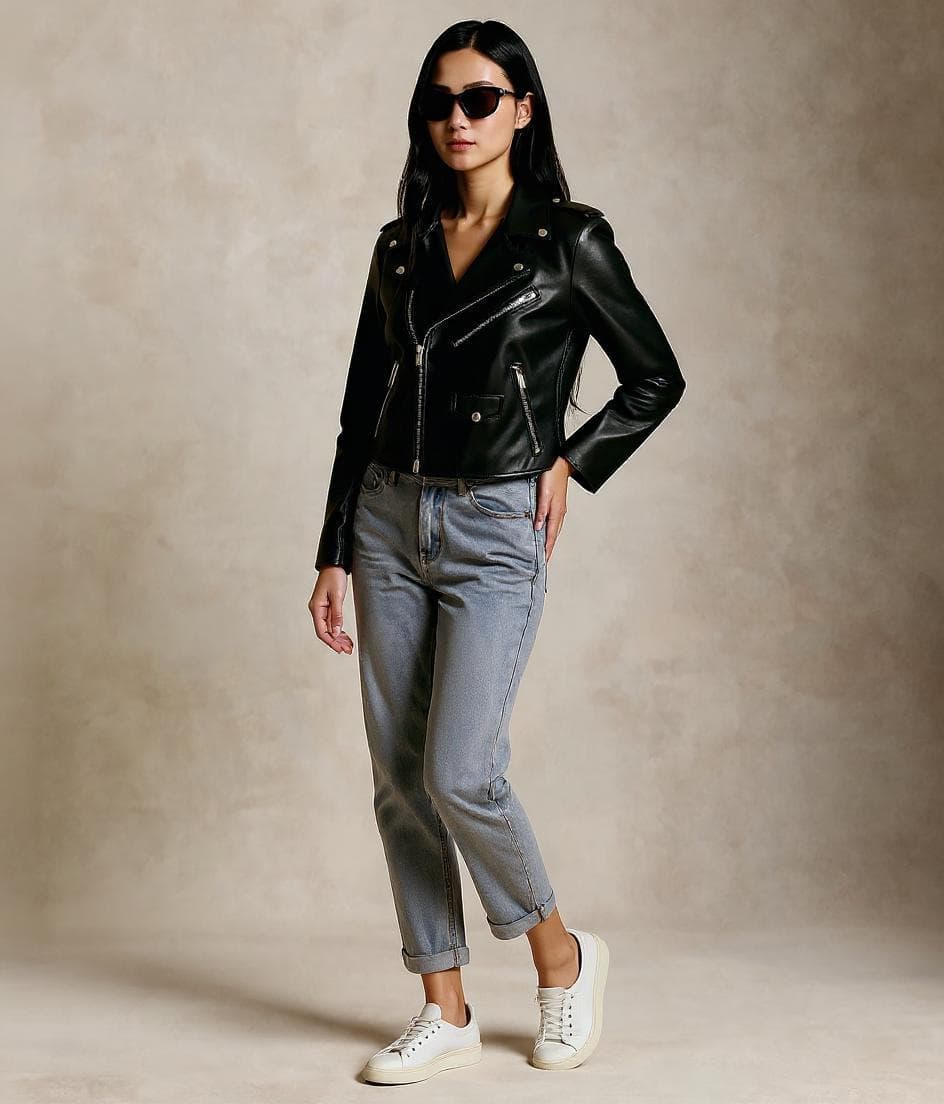
How this workflow can show up across the image pipeline.
These examples are meant to ground the use case in the kind of imagery teams actually need to publish, review, and reuse across commerce channels.
Cleaner customer-facing context
Ideal when a product page needs a stronger worn view than a basic flat lay or mannequin shot can provide.
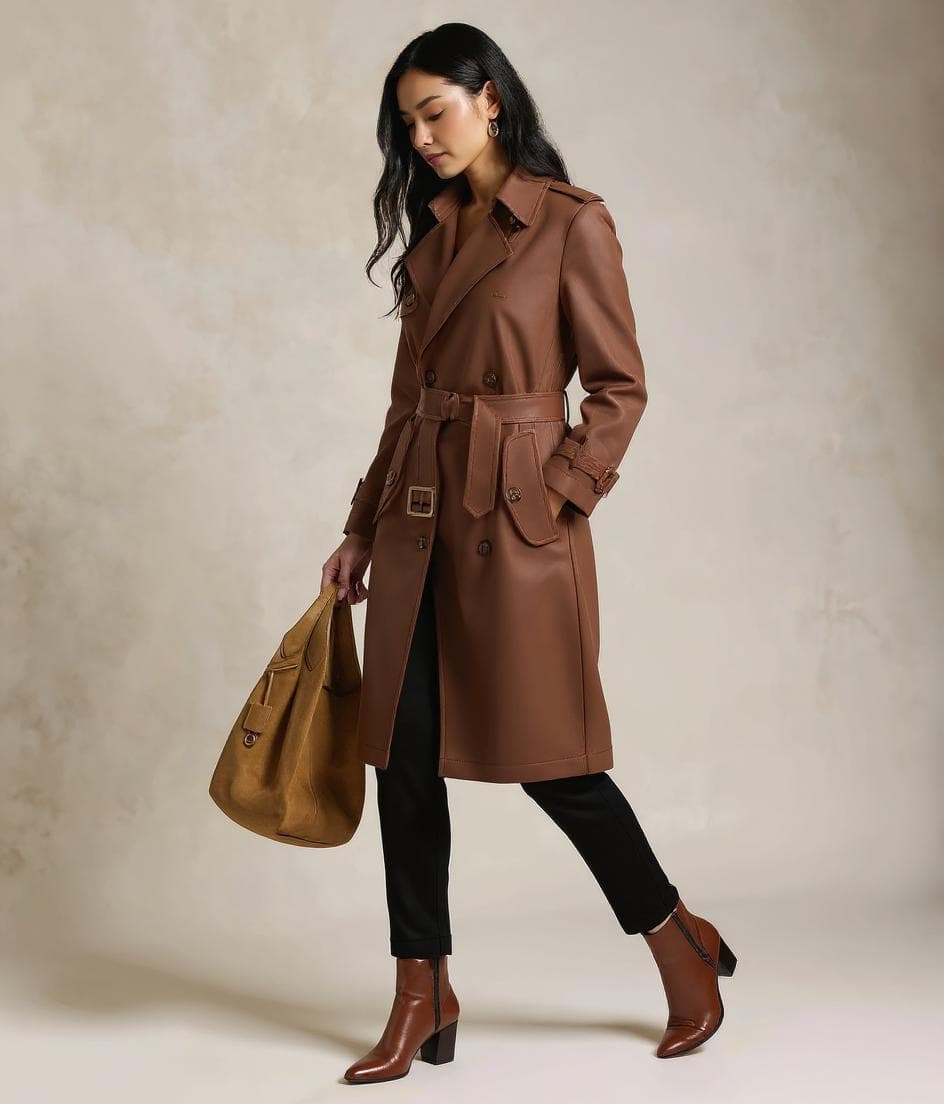
Publishable output for wide assortments
Useful for covering more SKUs quickly when the ecommerce team cannot wait for another shoot cycle.
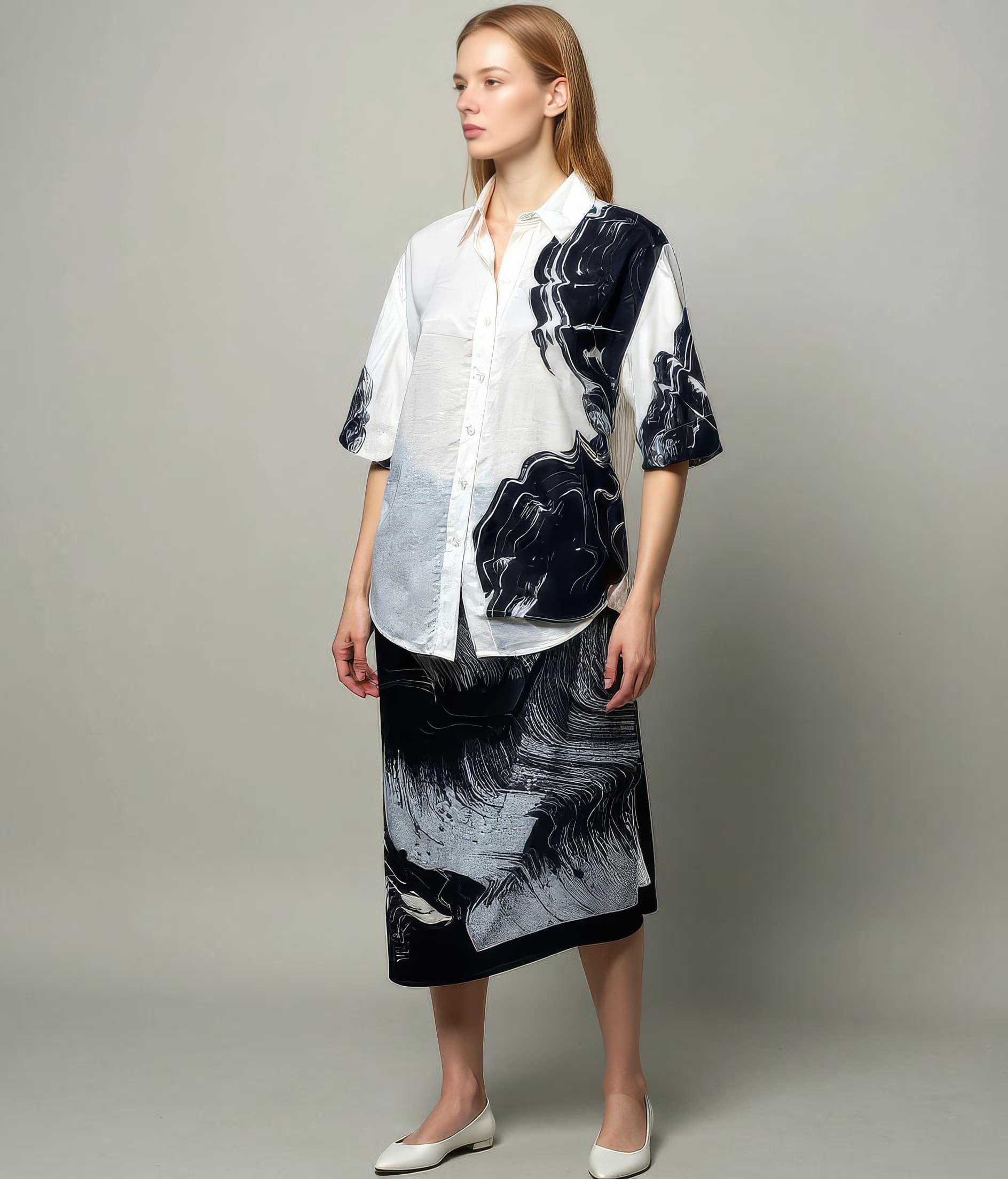
Additional views where they matter
Supports richer galleries for key products and gives merchandisers more usable visual coverage across the catalog.
Overview
Why ecommerce teams need this workflow
In ecommerce, imagery quality affects more than brand perception. It influences whether shoppers understand fit, styling, and product context quickly enough to keep moving toward purchase. The problem is that most teams are managing too many SKUs to treat every item like a full editorial production.
A strong virtual try-on workflow for ecommerce has to reduce the operational gap between a product image existing and a sellable on-model image being ready. That means giving teams a repeatable way to create polished visuals from current inputs, while still preserving the commercial details shoppers need to see.
Overview
How it supports publishing velocity
Leggoro helps ecommerce teams cover more of the catalog with on-model imagery when shoot capacity is limited, when launch windows are tight, or when reshoots are difficult to justify. It is especially useful for teams balancing conversion goals with the realities of constant assortment churn.
Instead of leaving gaps on product pages or waiting for another production cycle, teams can use existing flat-lay or mannequin photography to create more complete merchandising coverage. That makes the workflow practical for daily ecommerce operations, not just special campaigns.
Operational Needs
What teams need this workflow to get right.
Publish with fewer visual gaps
Large catalogs often ship with incomplete image sets, especially when smaller collections or tail SKUs cannot be prioritized for on-model shoots.
Protect conversion context
Shoppers need to see silhouette, drape, and styling cues clearly enough to make confident purchase decisions.
Move faster without sacrificing clarity
The ideal workflow supports publishing speed while still producing imagery that feels reliable and product-specific.
Why leggoro
Why teams use Leggoro for this specific use case.
More complete PDP imagery
Use AI-generated on-model visuals to reduce the number of products published without useful model context.
Faster merchandising readiness
Prepare more products for launch when the ecommerce team cannot afford to wait for another round of studio production.
Better reuse of existing assets
Extend the value of flat-lay and mannequin photos that would otherwise remain limited to basic product presentation.
Workflow
A practical rollout path for this workflow.
Upload the sellable product image
Use the product shot already approved for merchandising so the visual source stays consistent with the rest of the catalog.
Generate the on-model version
Apply the correct category, flow, and optional style reference to keep the output aligned with your merchandising standards.
Use the result where it improves conversion
Publish to PDPs, category grids, launch collections, and other ecommerce surfaces that benefit from stronger model context.
Common Scenarios
Where this workflow tends to show up most clearly.
- Filling on-model coverage gaps for long-tail SKUs.
- Speeding up publication during weekly or daily assortment drops.
- Adding cleaner context to products that only have basic flat-lay photography.
- Building more complete visual sets for merchandising teams before major sale periods.
FAQ
Frequently asked questions about this workflow.
Is this mainly for homepage or campaign imagery?
It can support those surfaces, but the strongest ecommerce use case is usually product-page coverage where teams need more on-model imagery across a wider catalog.
How does it help ecommerce conversion work?
It gives shoppers more context around silhouette and styling while helping teams avoid publishing products with weak or incomplete image sets.
Can ecommerce teams use it even if they still run studio shoots?
Yes. Many teams use AI on-model generation to complement shoots, cover gaps, or support lower-priority SKUs that do not make it into the primary production schedule.
What makes the output usable for merchandising?
Commercial usefulness comes from keeping the original product recognizable while presenting it in a cleaner, more contextual on-model format.
Related Use Cases